June 15th, 2026

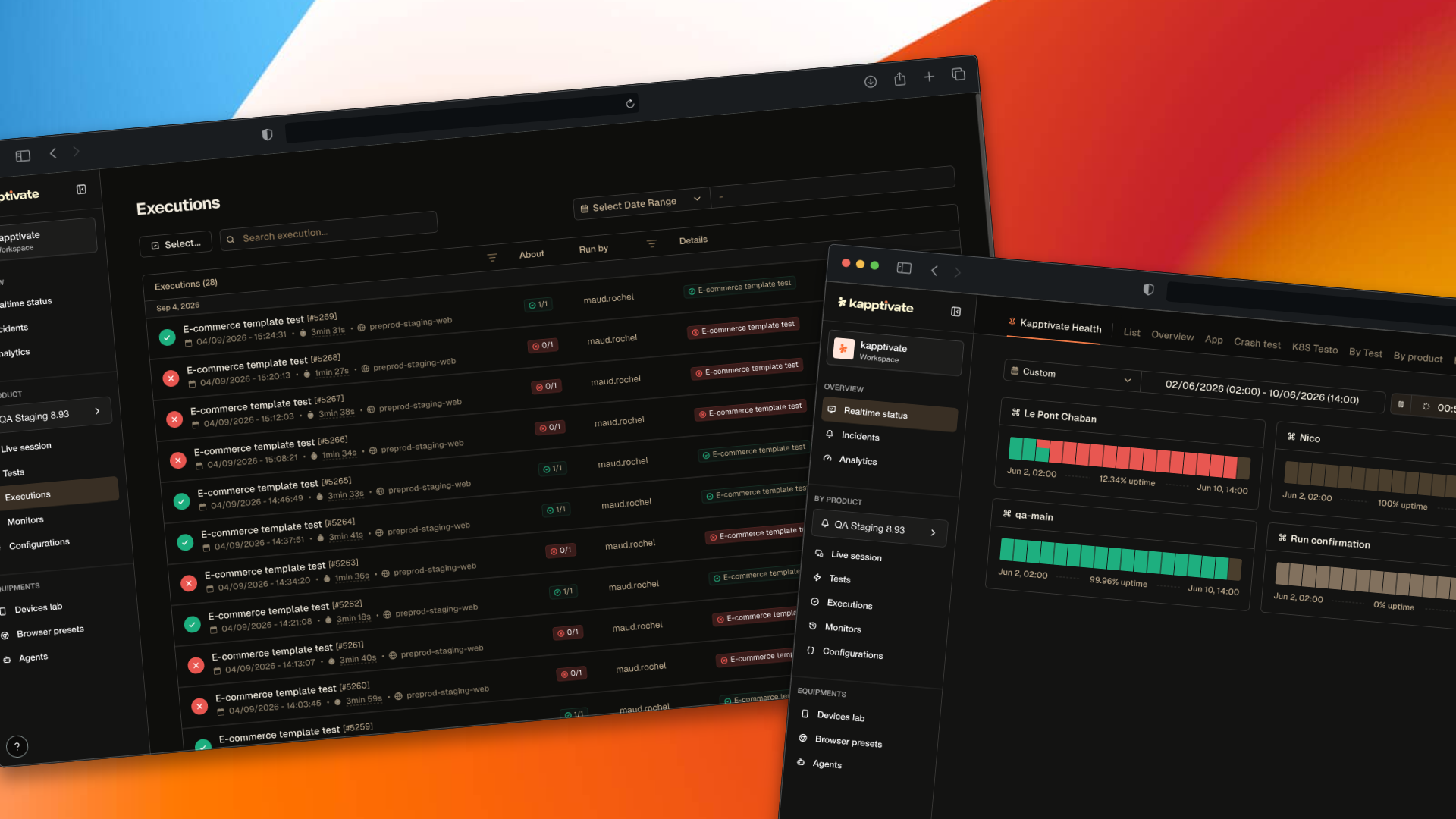
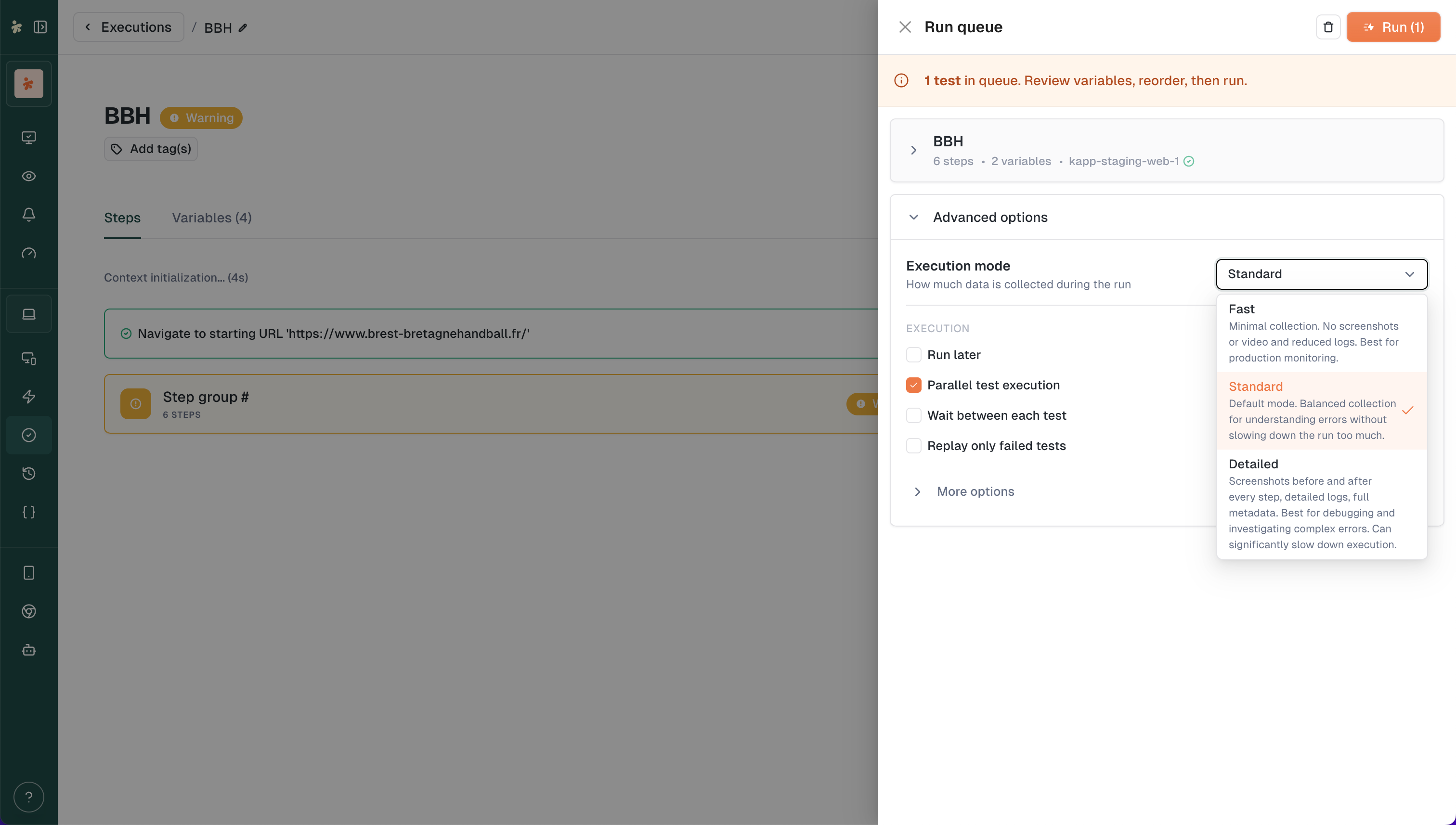
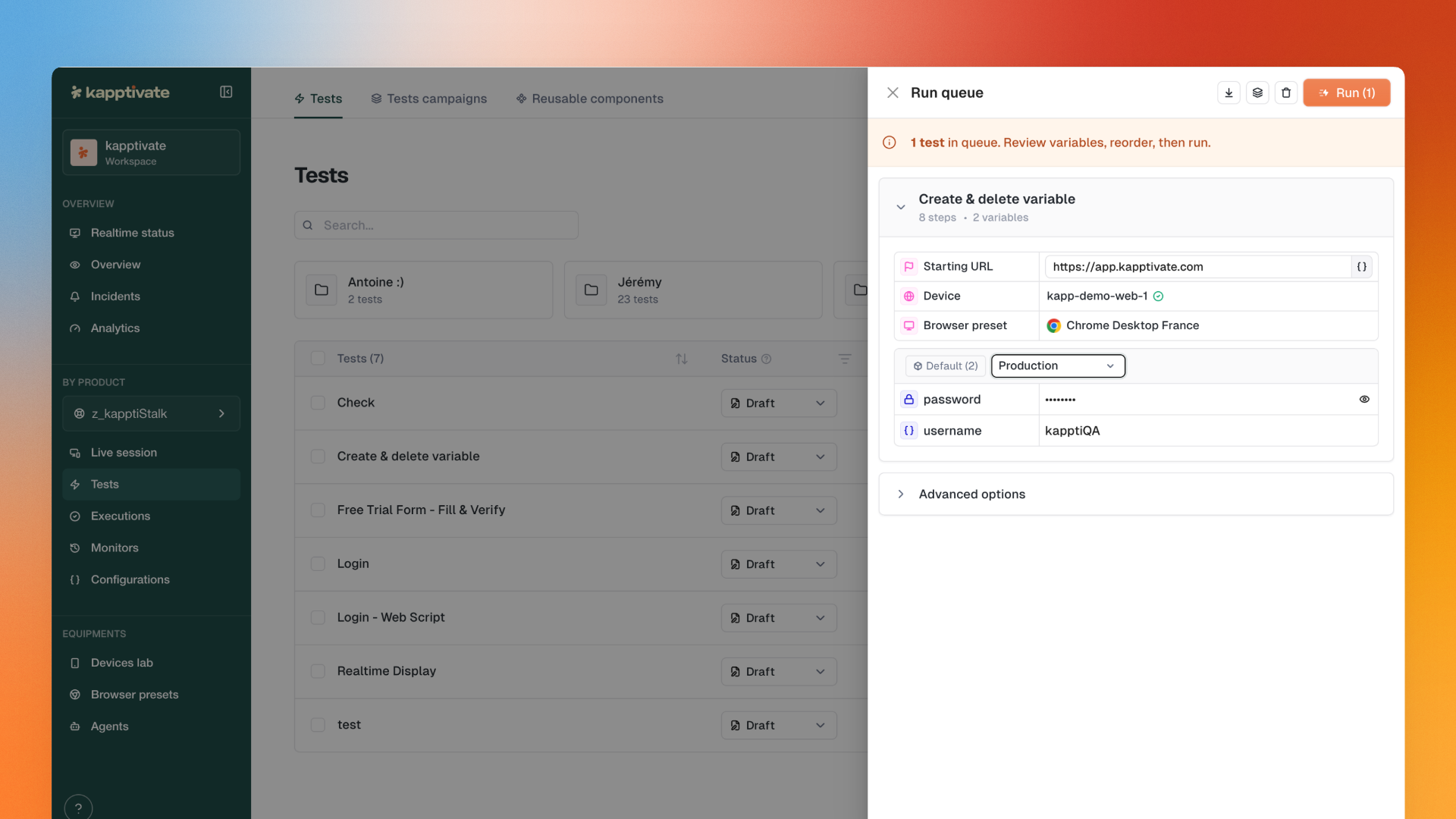
The entire test launching experience has been redesigned. The run queue and run confirmation are now merged into a single drawer that keeps you in context. Plus, you can now choose how much data to collect on each run.
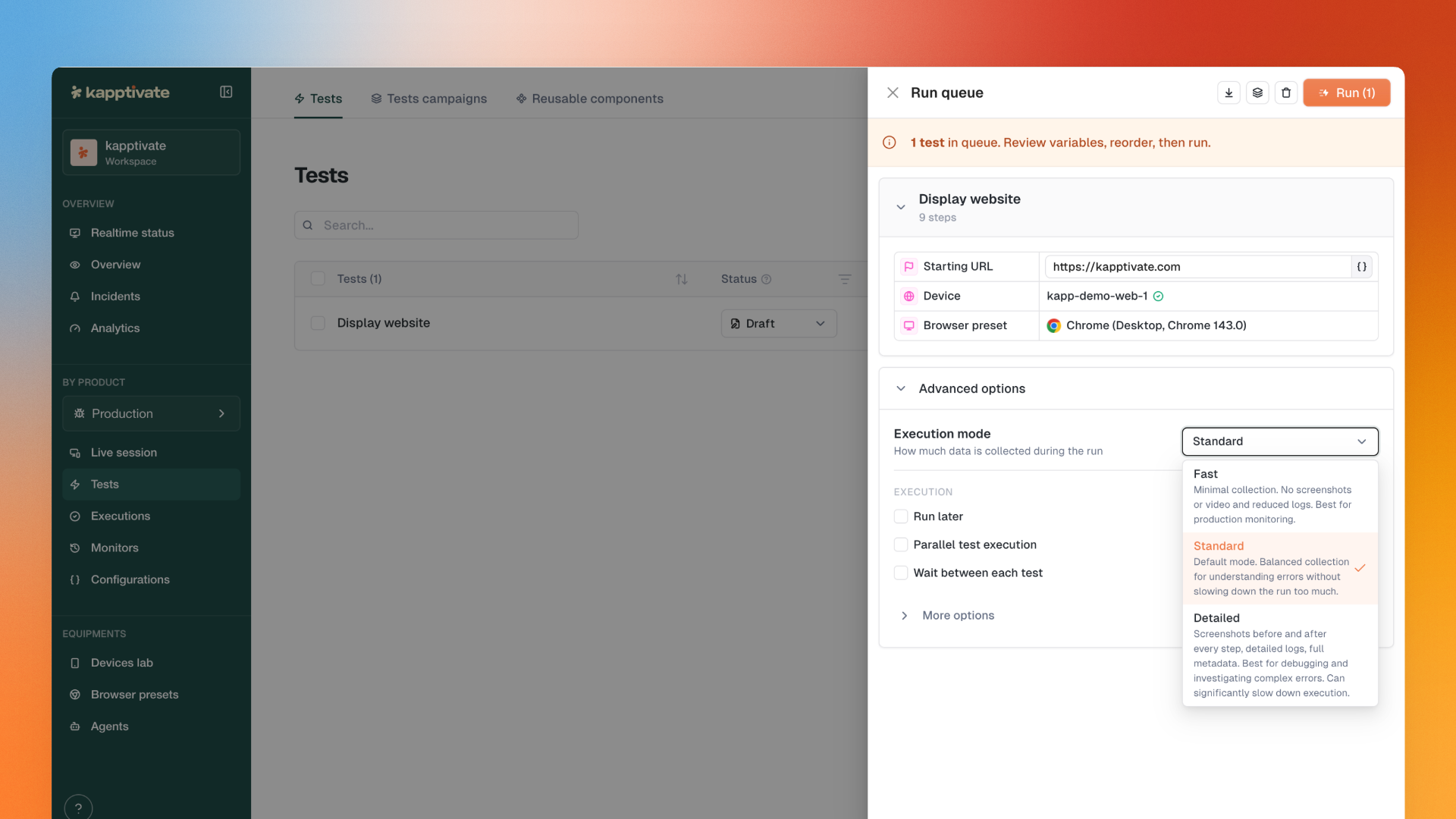
Choose how much data to collect on each run.

Three modes available:
Fast: Disables screenshots and logs. Maximum speed. Ideal for production monitoring where you just need pass/fail.
Detailed: Keeps all context for debugging. Screenshots, logs, everything.
Standard: Middle ground. Default option.
Same test, three different durations. Pick the right trade-off between speed and observability.
Set the mode at:
Run confirmation drawer
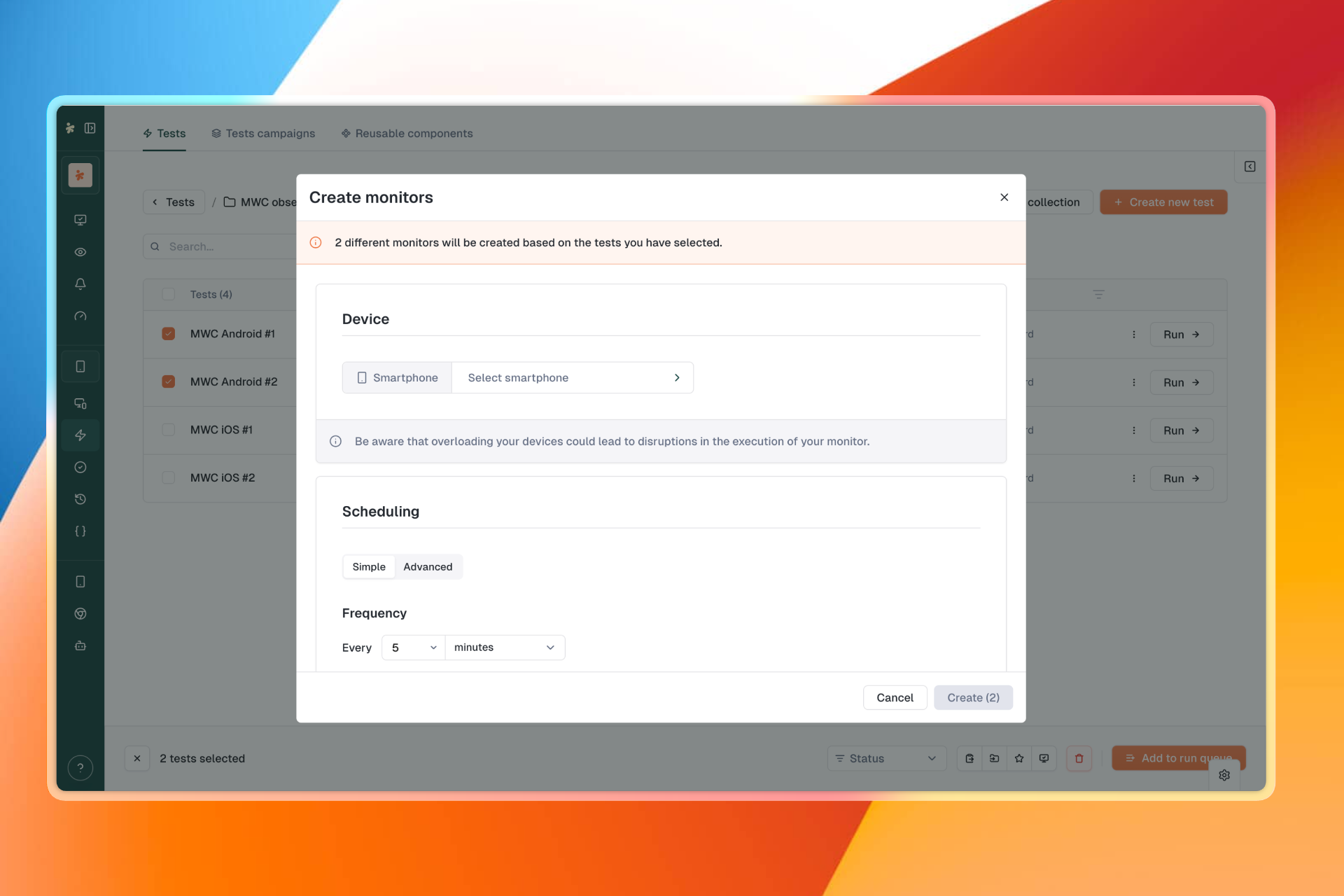
Monitor scheduling
V2 test settings
The run confirmation page as you knew it is gone.
Everything now happens in a drawer that opens from wherever you are: tests page, executions, execution details... No more redirects, no lost context.

All existing actions preserved:
CSV import
Create test campaign from queue
Drag & drop to reorder
Variable overrides
Device selection
And more
The drawer shows resolved device names with availability status, an instructional banner with queue count, and all the run options you're used to (notifications, ignore errors, replay failed only, parallel execution...).
Tip banner during recording: When a Fill input step is detected, a banner reminds you that you can type directly on your keyboard
Pause and assertion options restored in the smartphone recorder
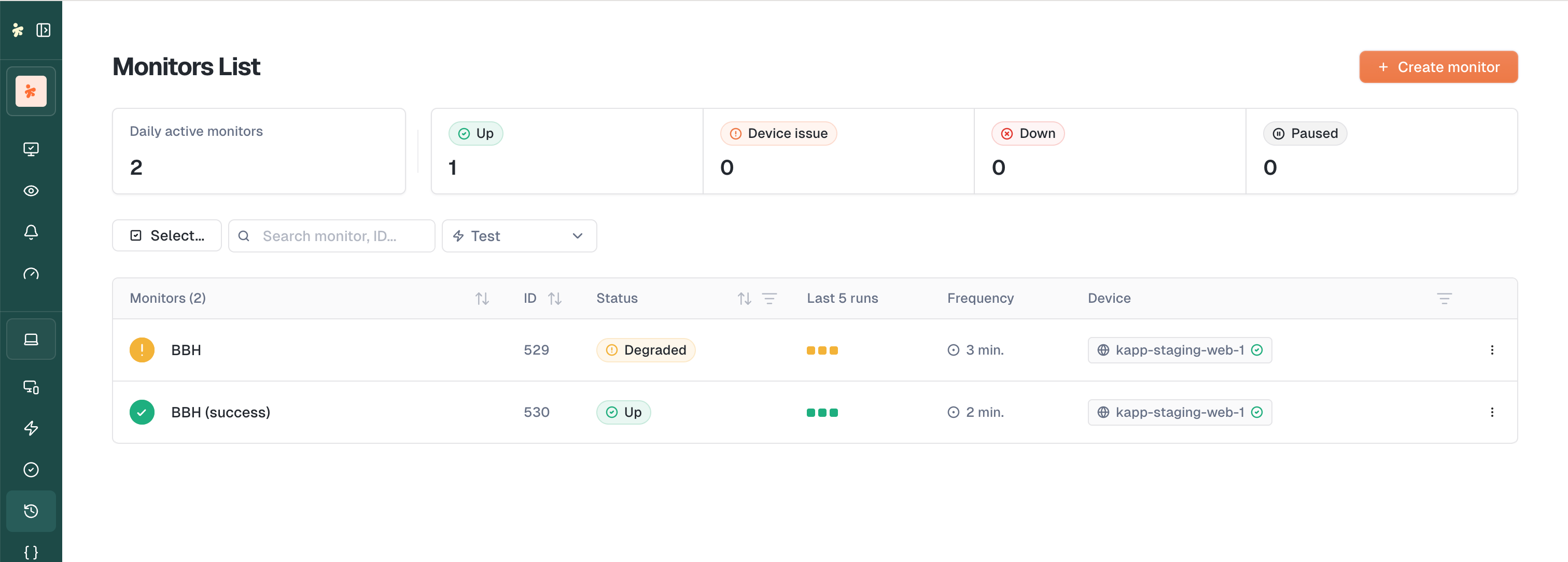
Monitors list pagination: The monitors list now has pagination.
Collection action: Send all tests from a collection to the run queue in one click
Remove/duplicate from drawer: Manage tests directly from the Run Confirmation drawer
Execution parameters visible: Device, starting URL, browser preset displayed for V2 tests in the drawer
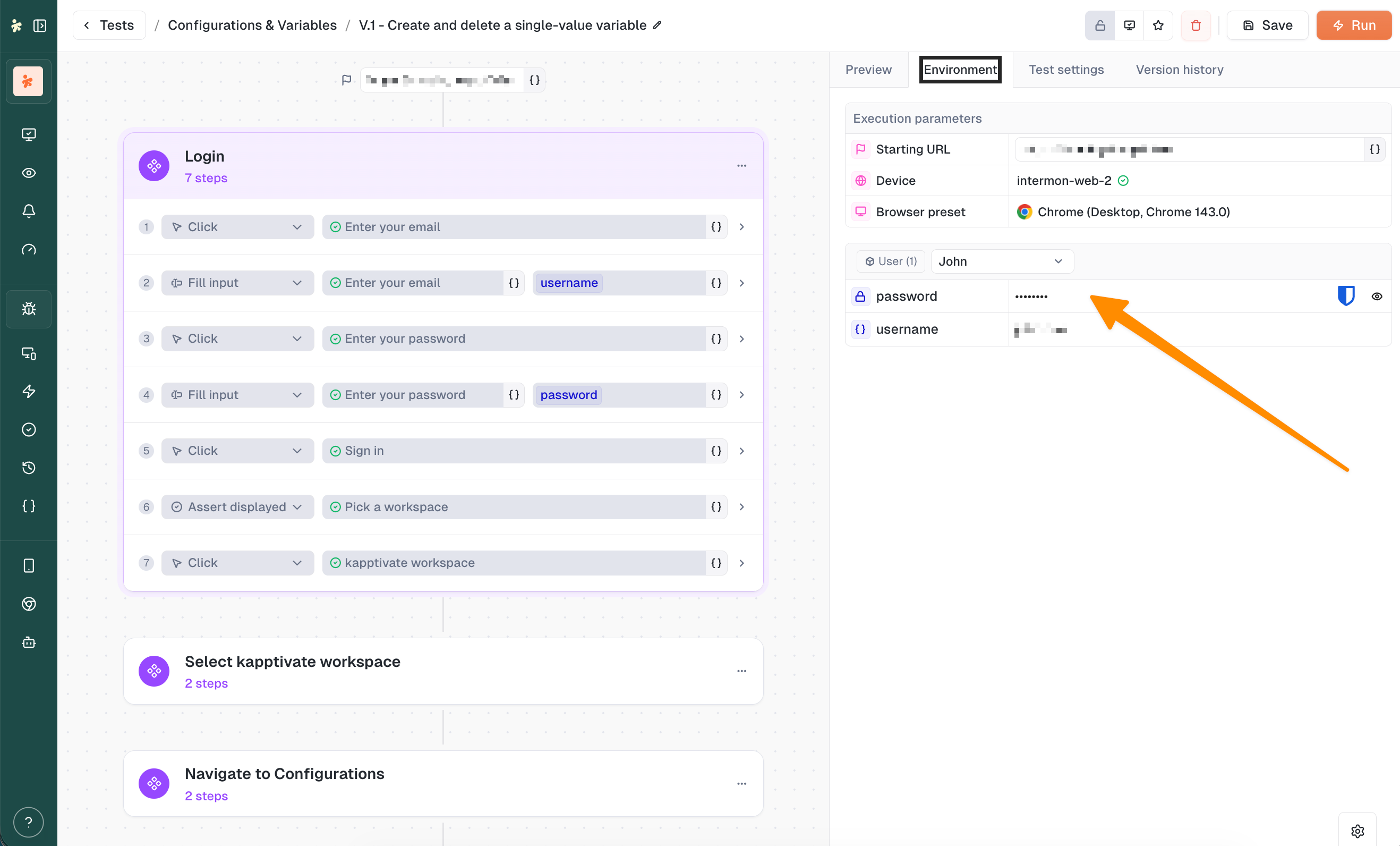
Variables in drawer: Global variables and variable groups shown for V2 tests
Device pre-fill: Monitor device pre-filled from the test's default owner
XML tree dump: Now exposed in execution artifacts for download
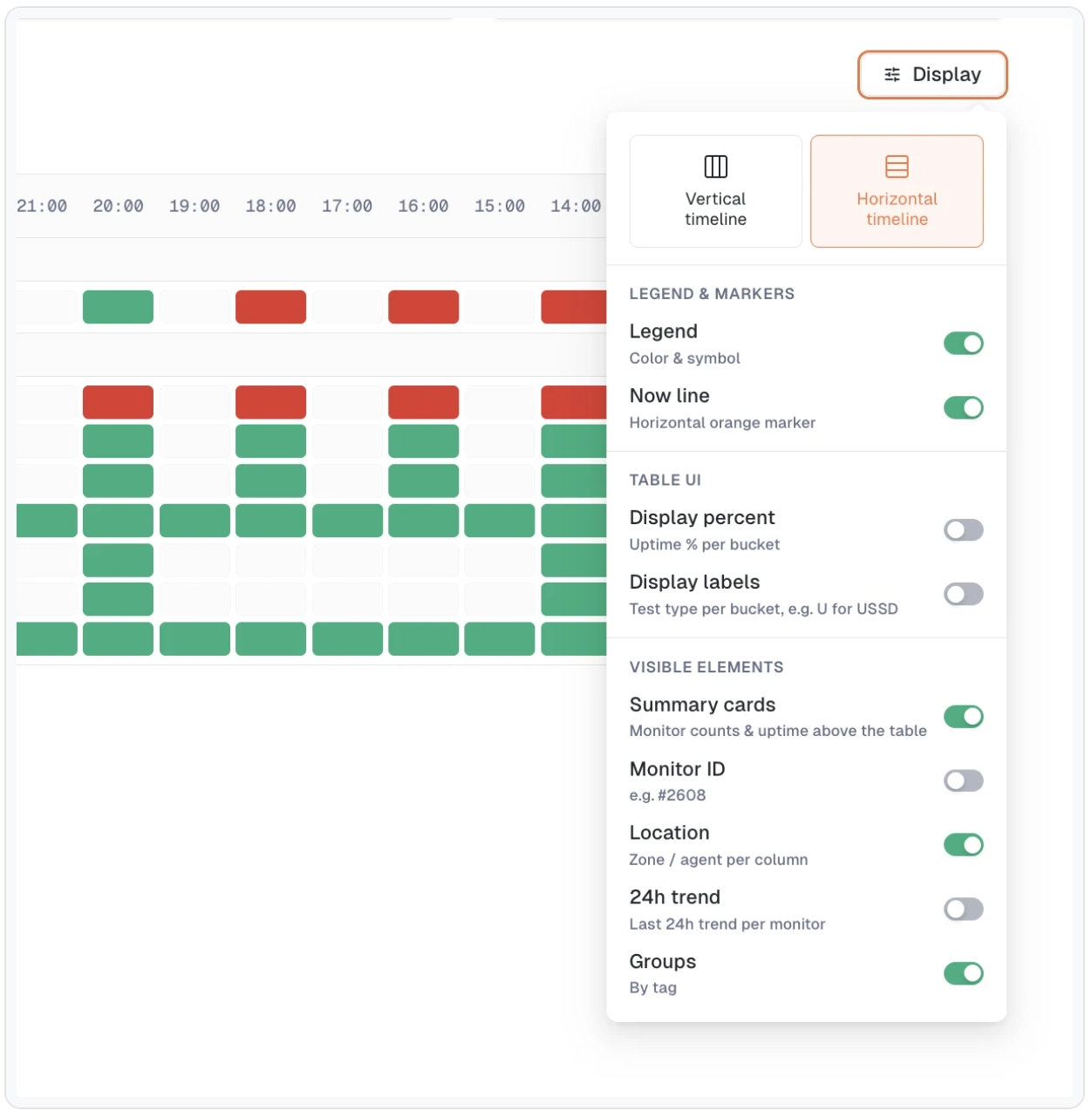
Realtime Status filters: Banner shows only unsaved changes
Status Details page: New header with time range picker and CSV export
Confirmation notifications: Adding items to the queue shows a notification with item name or count
Improved loading time for executions list
Fixed artifact copy button for log, text and script artifacts
Fixed broken screenshots in scheduled mail reports
Split cells in status details grid now show each status color separately
Duplicating a step now preserves its checks
Fixed step group split adding steps to wrong group
Fixed empty "Results details" modal on Realtime Status
Choice-type variables now display saved value in monitor edit form
Display changes in realtime status views now save automatically
Fixed "Test Suites" sidebar link pointing to 404
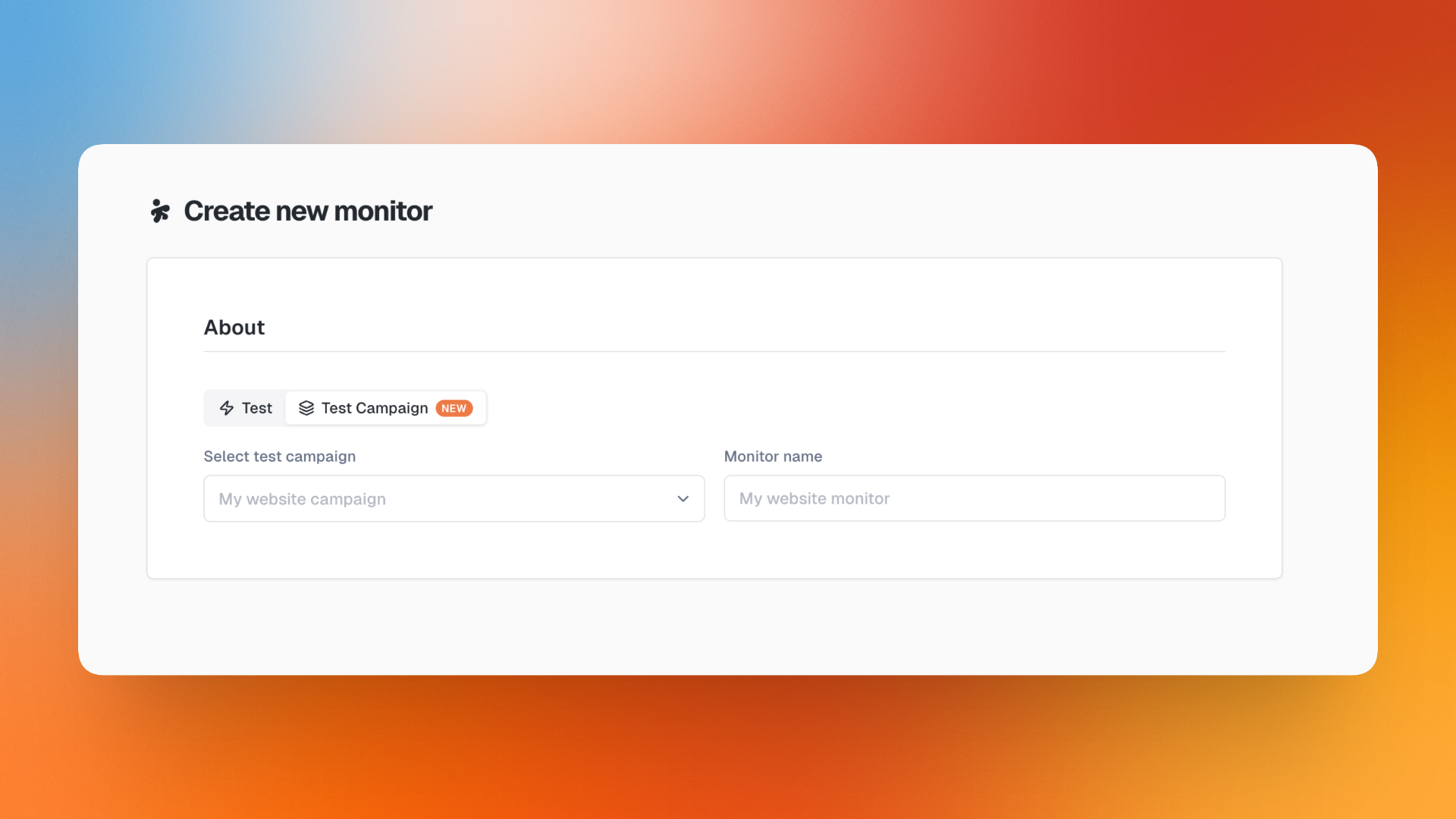
Fixed crash when creating a monitor from a test
Fixed monitoring variables panel not restoring choice values
Replay from execution now uses the device from the previous run
"Create test suite from queue" now carries over variable and owner edits
Fixed agent form not loading automatic-update time correctly
May 26th, 2026

A packed release this week with three major features: step-level Checks to validate conditions on any action, the new Warning status that goes beyond simple Success/Failed, and the Realtime Status that finally breaks free from the 48h limit.
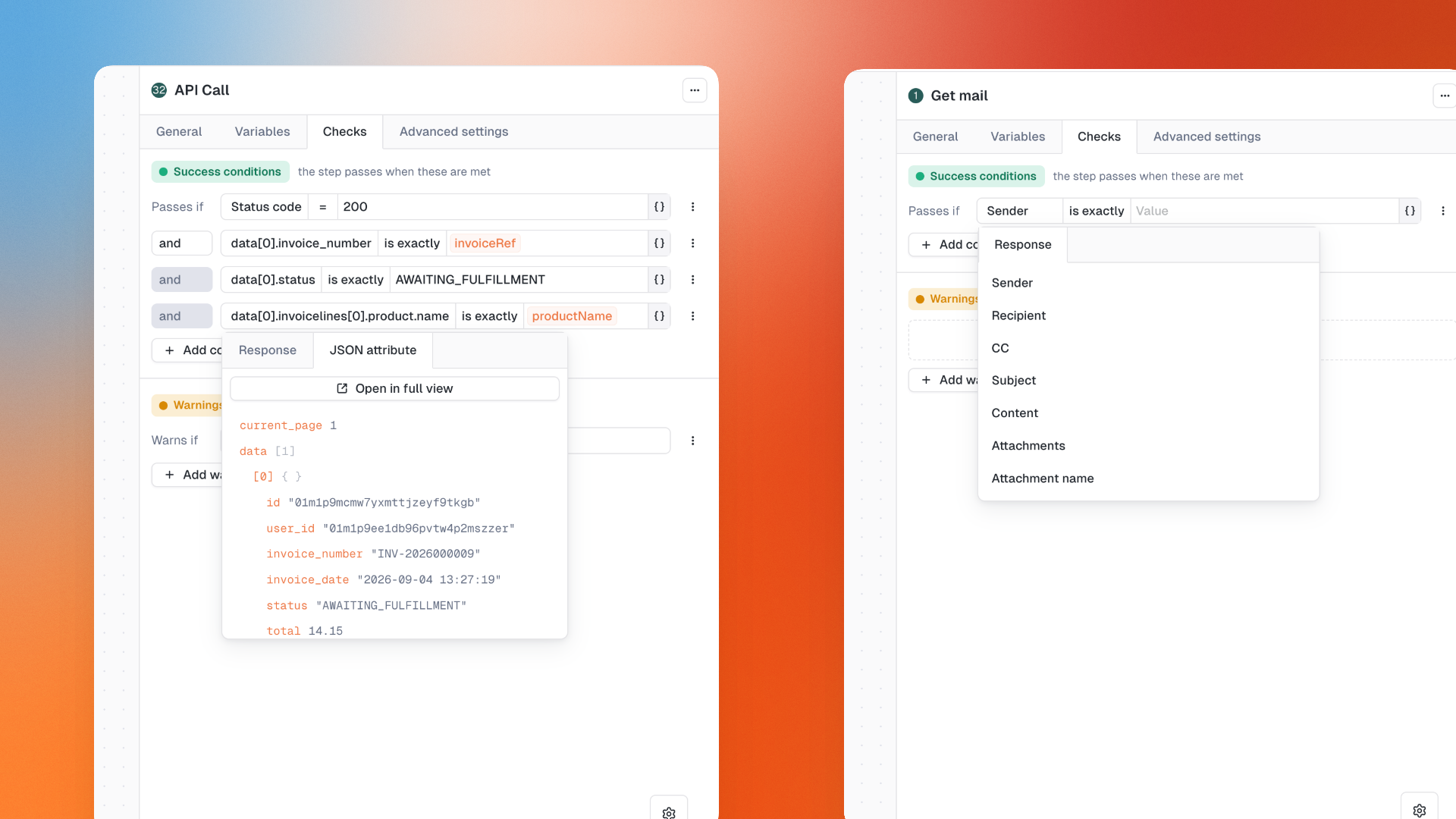
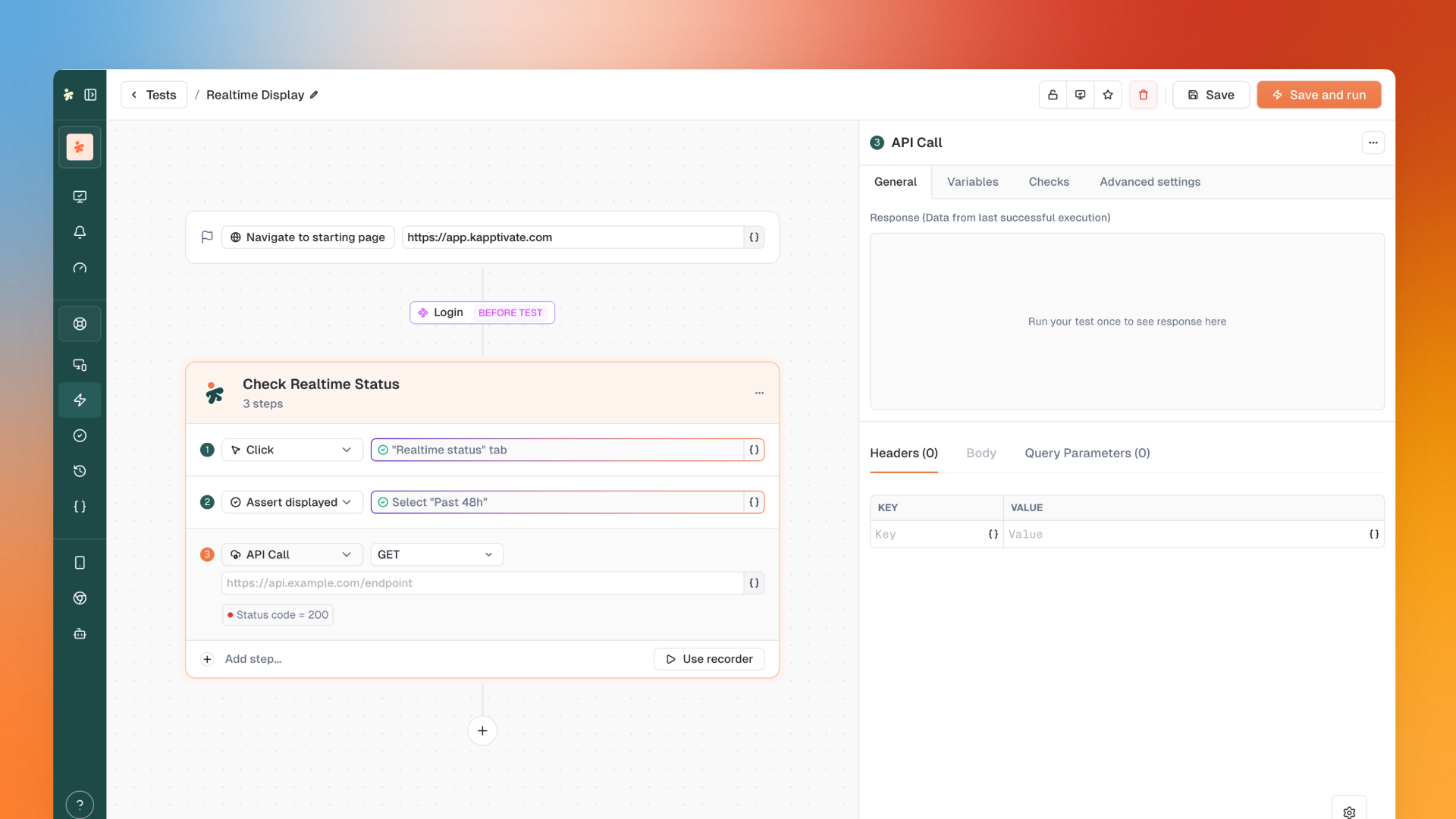
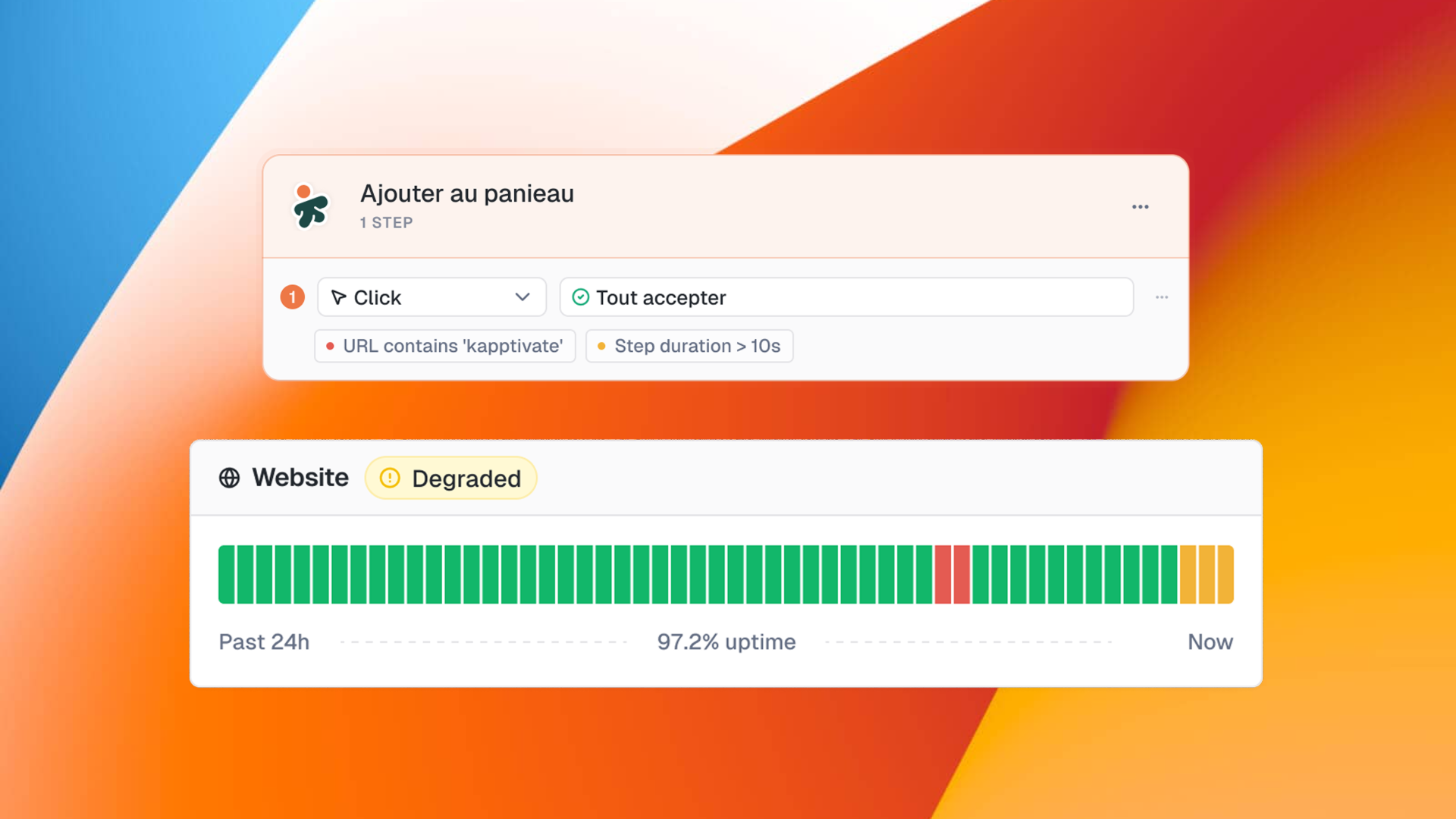
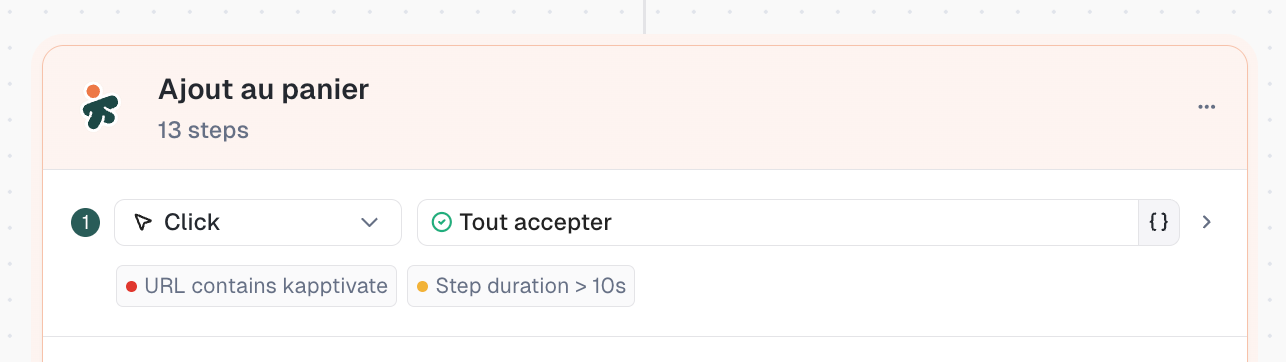
Add success conditions to any step in your test.

Click on a step, go to the Checks tab, and define your conditions. If the condition isn't met, the step fails (or warns, more on that below).
Available checks to begin with:
URL: verify the current URL contains, equals, or matches a pattern
Step duration: check if the step completed within a time threshold
Combine multiple checks with AND/OR logic. More check types coming soon.
Your tests are no longer limited to Success or Failed.

For each check, choose what happens if the condition isn't met: Failed (red) or Warning (yellow). This gives you granularity between "something is broken" and "something is slow but still working."
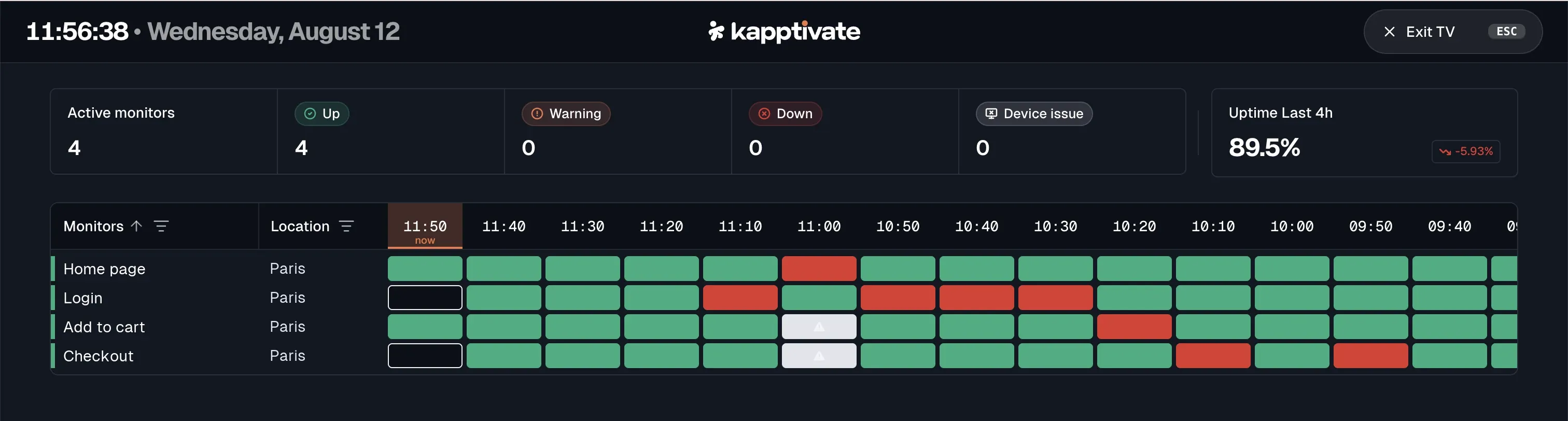
This status propagates to monitors as Degraded status, visible in yellow on the Realtime Status.
Important: No checks are added automatically on existing tests. To see the Warning status in action, add checks to existing tests or create new ones.
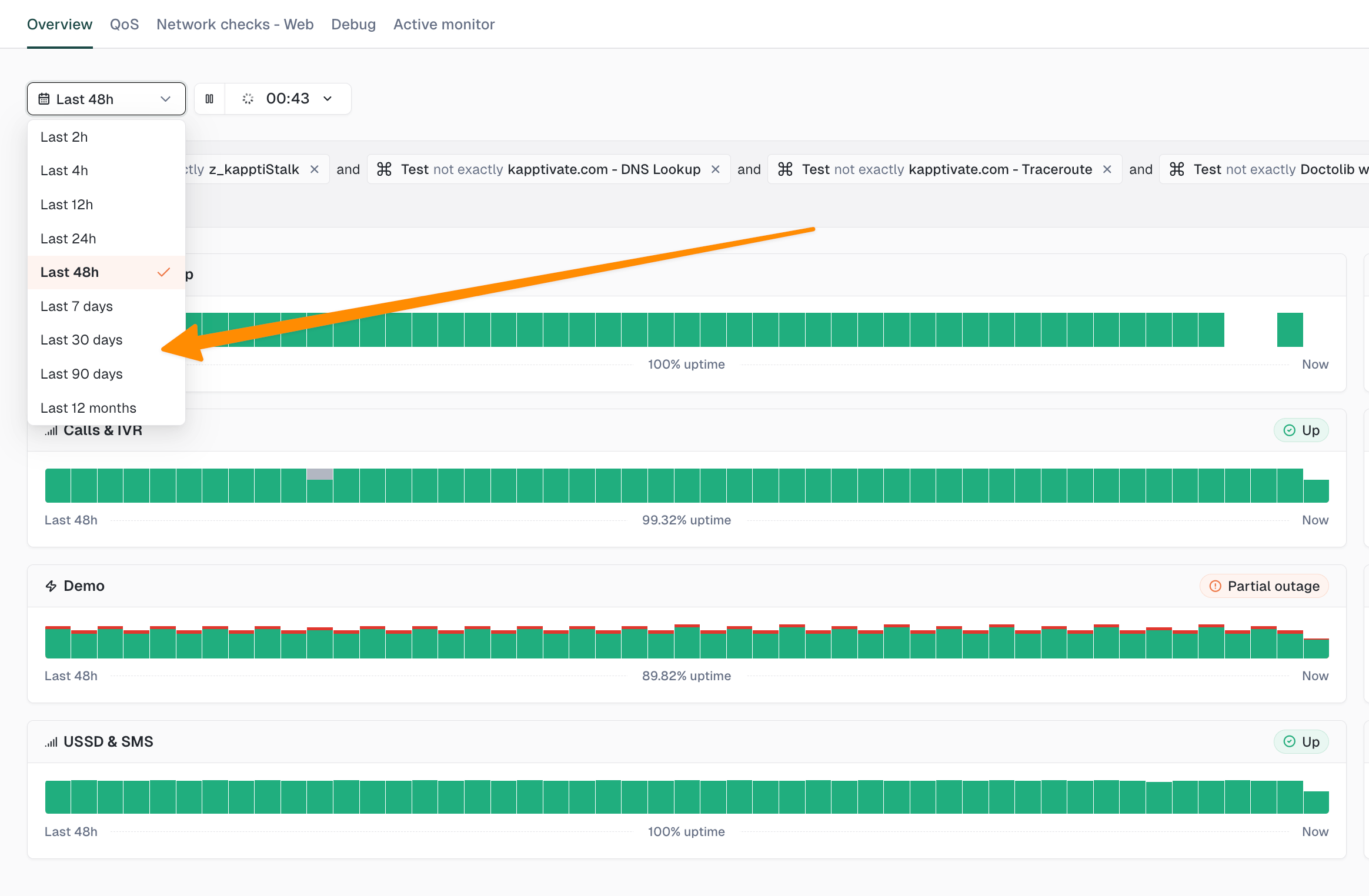
No more 48h limit.

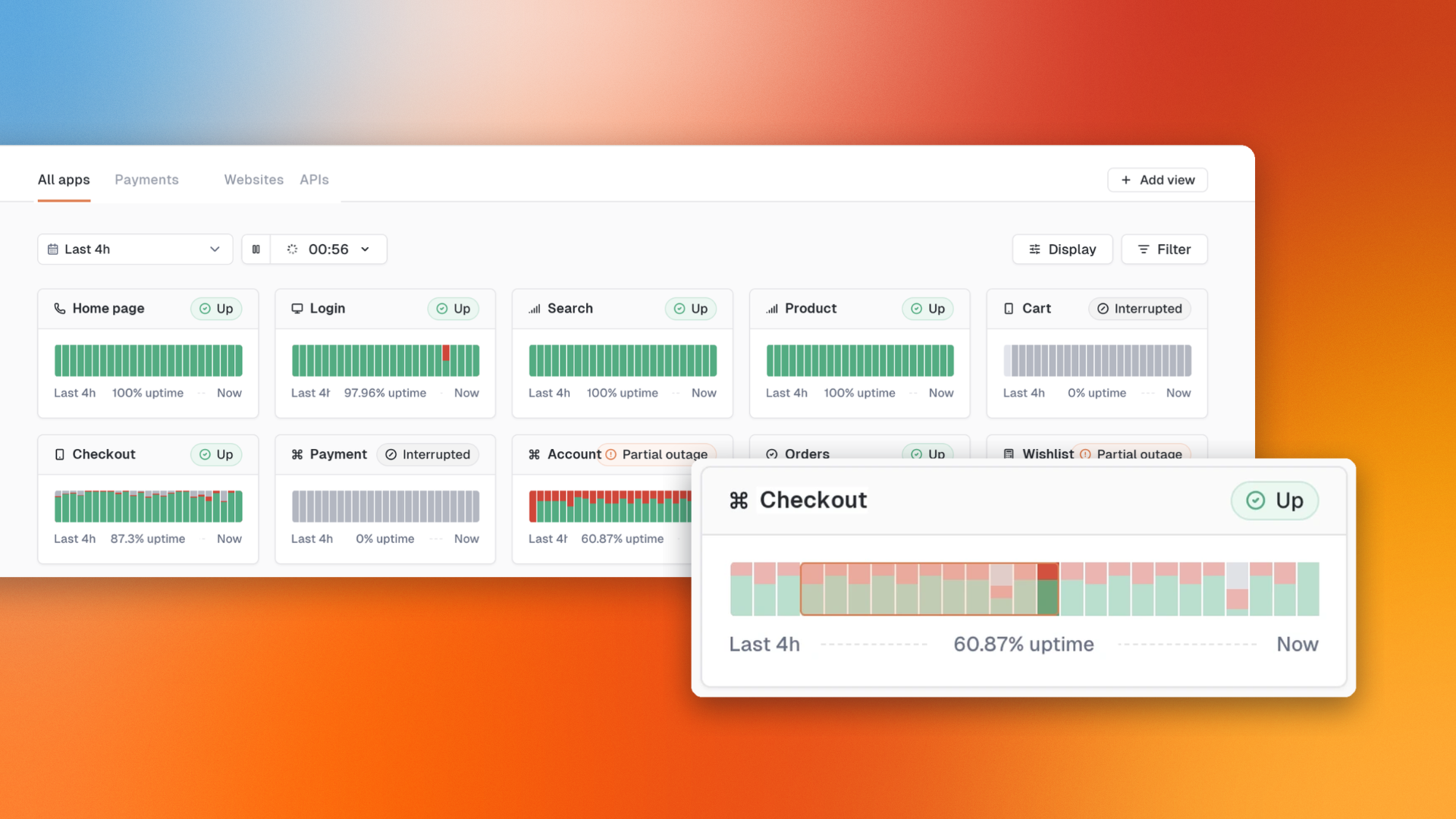
Realtime Status now lets you go back in time with ranges up to 12 months (7d, 30d, 90d, 12 months). You can also drag a period on the chart to zoom into it.
Ctrl+Z to undo, Ctrl+Y (or Ctrl+Shift+Z) to redo.
Works on everything: structure, renames, values, hooks, adding/deleting/moving steps and step groups. Text edits are grouped into 1-second sessions to undo a full burst of typing at once.
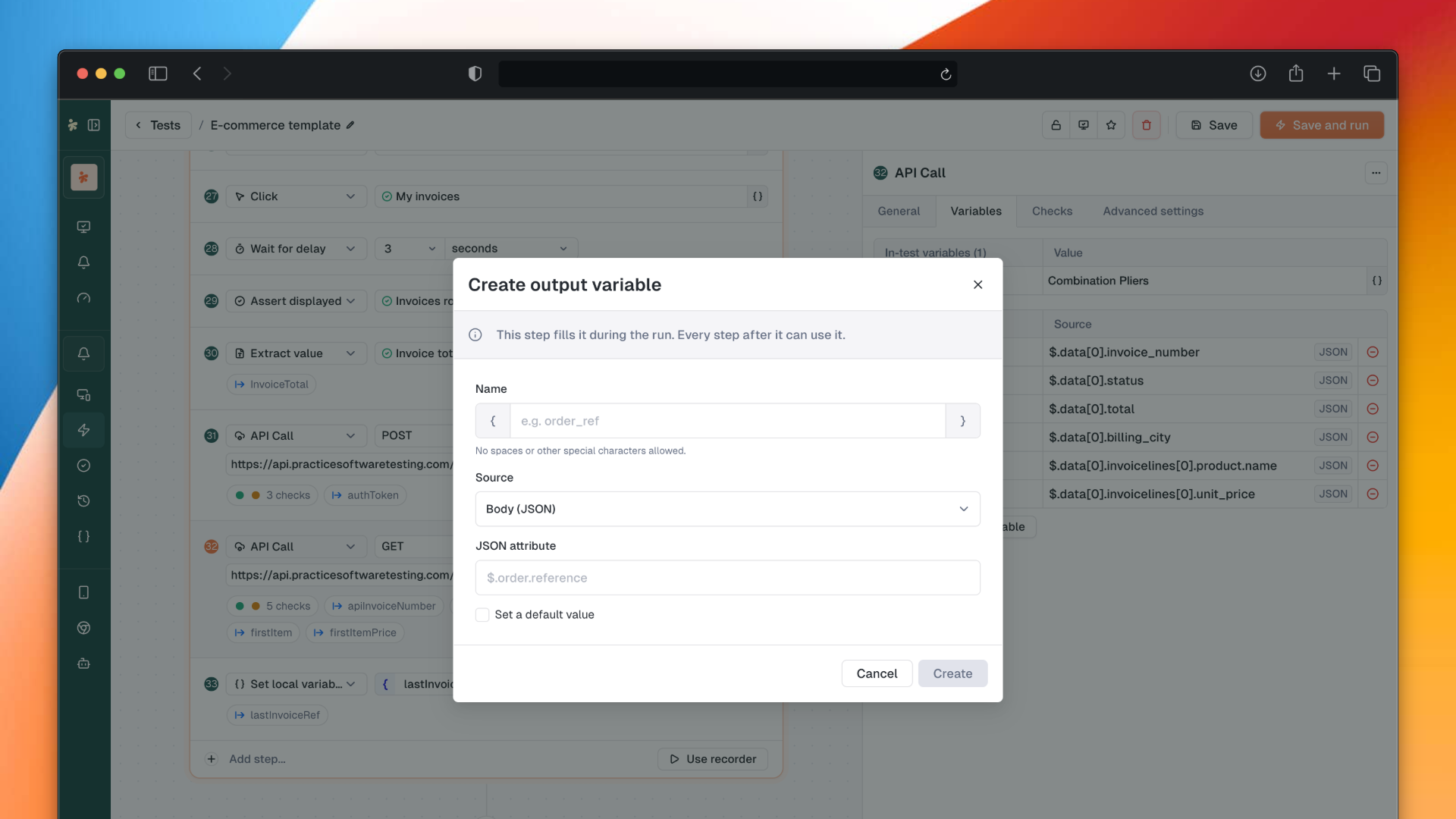
New section in the Profile page to generate a personal access token.
Use it to configure the Kapptivate CLI and MCP server. One click to copy, ready to use.
Two new action types available in smartphone tests:
AI visual assertion: AI-powered visual validation
Spell check: spelling verification
Test campaigns: direct move from row action menu (no more multi-select needed), collection duplication, duplicate from multi-select bar
Smartphone test creation modal: visual redesign + Refresh button to reload the app list
App reset disabled by default on new Android tests (aligned with iOS)
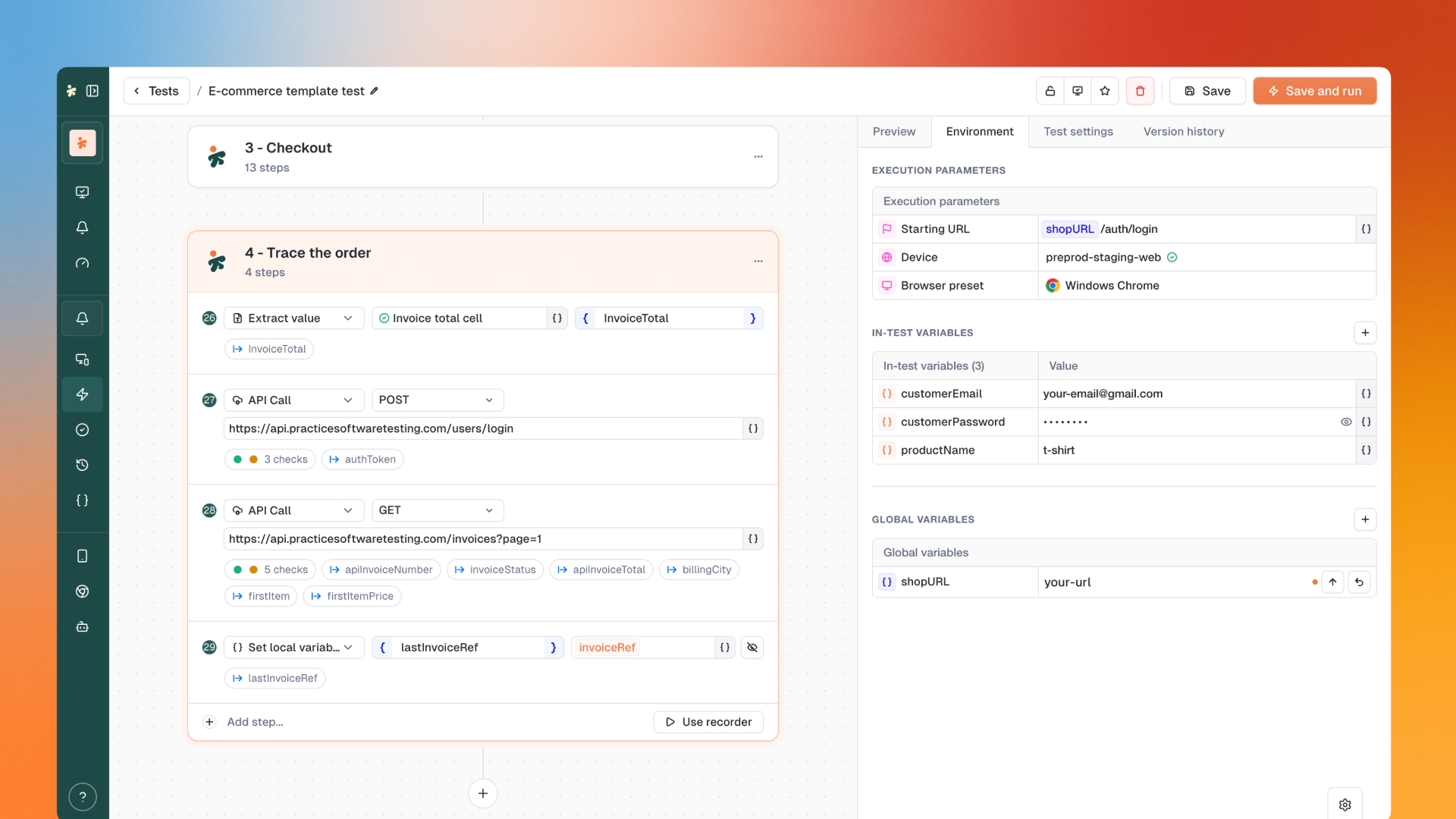
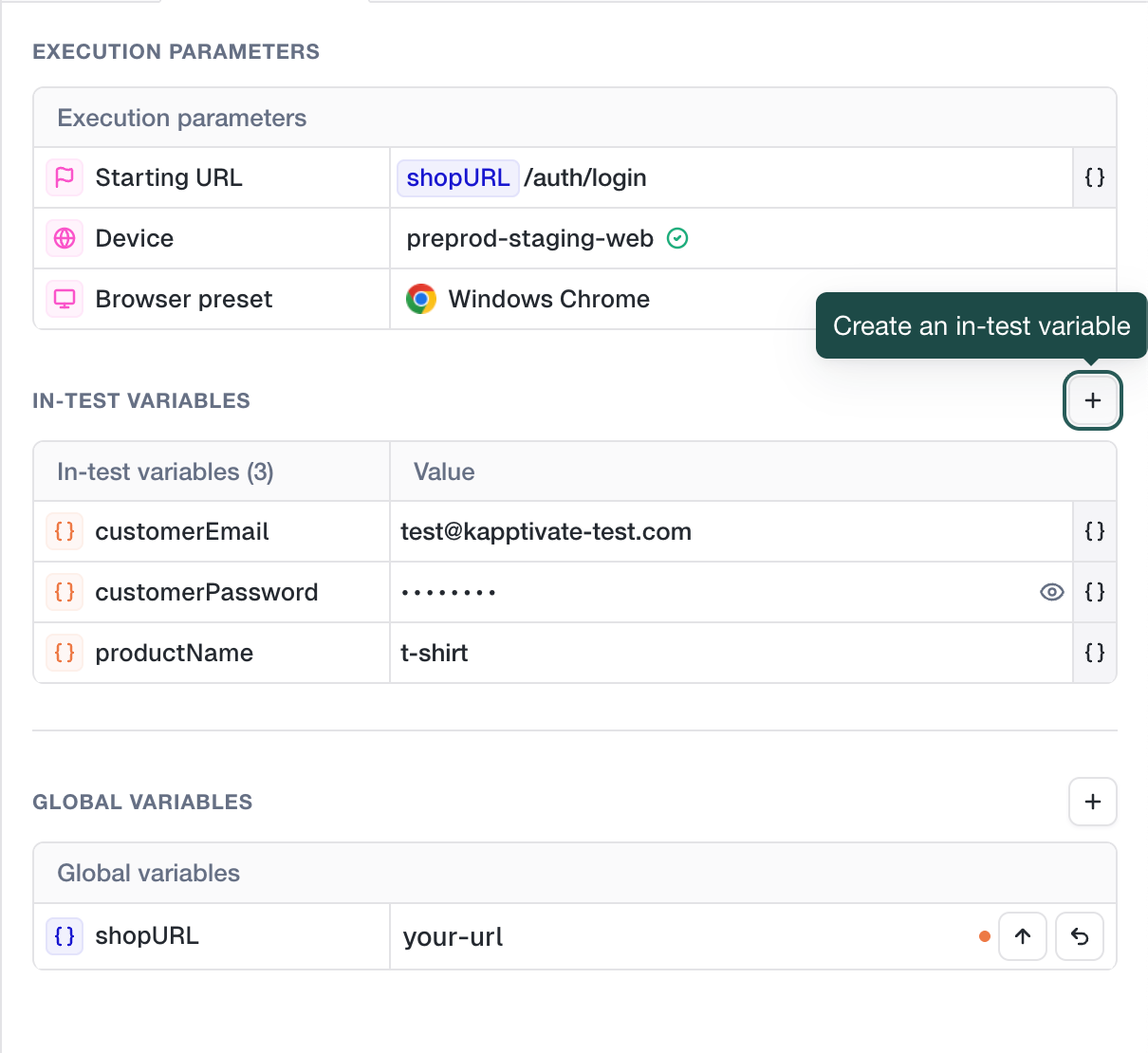
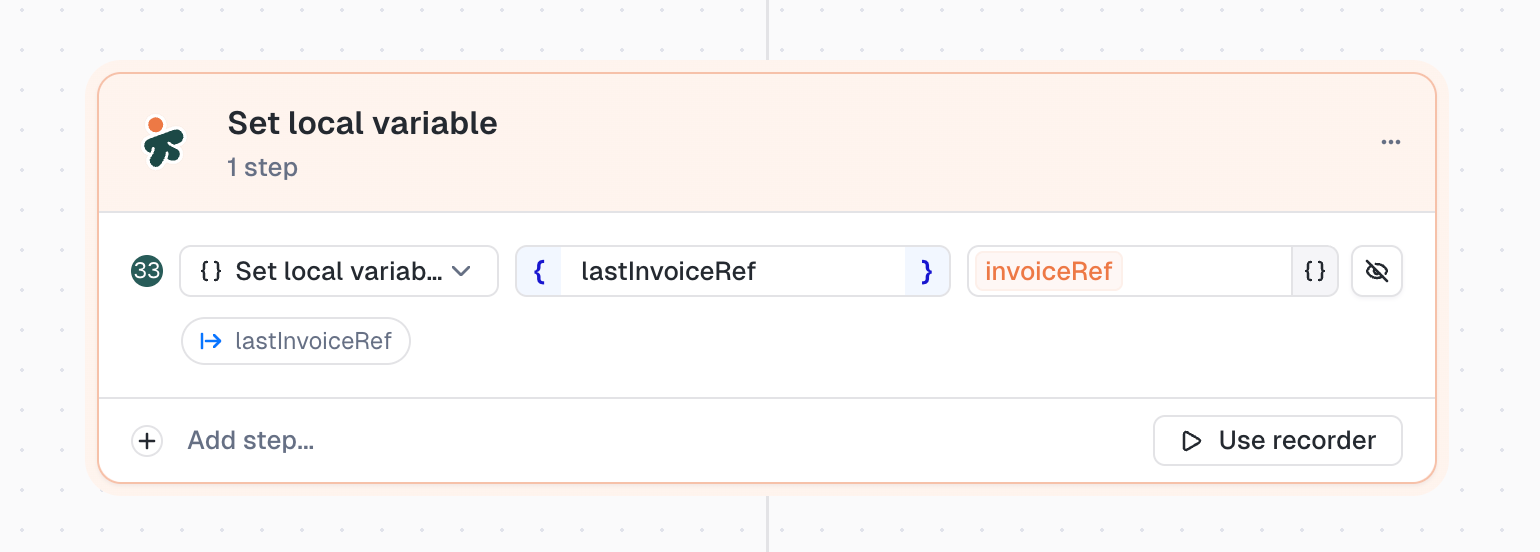
Variable tags: new visual style, hover reveals variable group, references in checks visible in Environment tab
Check tags: reduced padding, mini-tag style instead of raw text
Warning labels: displayed next to warning tests in multi-test results
Persistent Checks tab: clicking another step keeps the Checks tab open
Hidden operators: "not exactly" and "does not contain" removed from checks following user feedback
Step-level timeouts not taking effect at runtime (re-save to migrate existing values)
Live preview now follows the selected test in multi-test suite
Silent reconnection when JWT expires (no more forced redirect to /login)
New users correctly attached to default security policy
Dashboard export now respects variable selection
Delays and timeouts not working on smartphone tests (new experience)
Crash and visual issues on Realtime Status
Variant and choice value properly persisted when saving a test
CHOICE variables in monitors resolved to single value before sending to runner
Adding a variant now auto-creates cells for all existing variables
Video tab always visible with clear empty state
Breadcrumb shows "Test campaigns" instead of "TestCampaigns"
Degraded status icon fixed in monitors list
"Leave without saving" alert no longer fires after successful save
And plenty more polish (typo, alignments, visual statesβ¦)
May 20th, 2026

This release rebuilds test campaigns from the ground up and sharpens the whole smartphone testing flow. Plus a wave of polish improvements and fixes across the product.
Your campaigns just got a lot more flexible.
Test campaigns now let you customize behavior per campaign and organize them like a library:
Per-campaign overrides: starting URL, browser preset and test labels, all configurable independently
Variables v3 support: pick which variant of a variable group is used per variable
Collections: group related campaigns to keep large catalogs tidy
Same tests, different runs, no duplication.
A new Hook Tag component shows which hooks are wired up to the test, in both web and smartphone forms. No more digging through menus to check what's running before and after.
Smartphone tests join the party. You can now bulk-create monitors from a list of smartphone tests, just like the web flow. Spin up monitoring for an entire APP V2 or Web V2 test list in one go.
Drag and drop step groups directly in the test canvas to reorganize them. Combined with the new draggable cursors, restructuring a test is now a one-gesture operation.
The recorder gets a wave of refinements that make capturing smartphone tests faster and less fiddly:
Pause mode: pause the recorder without losing your session
One-tap Fill input: tap an input field and a Fill input step is created automatically
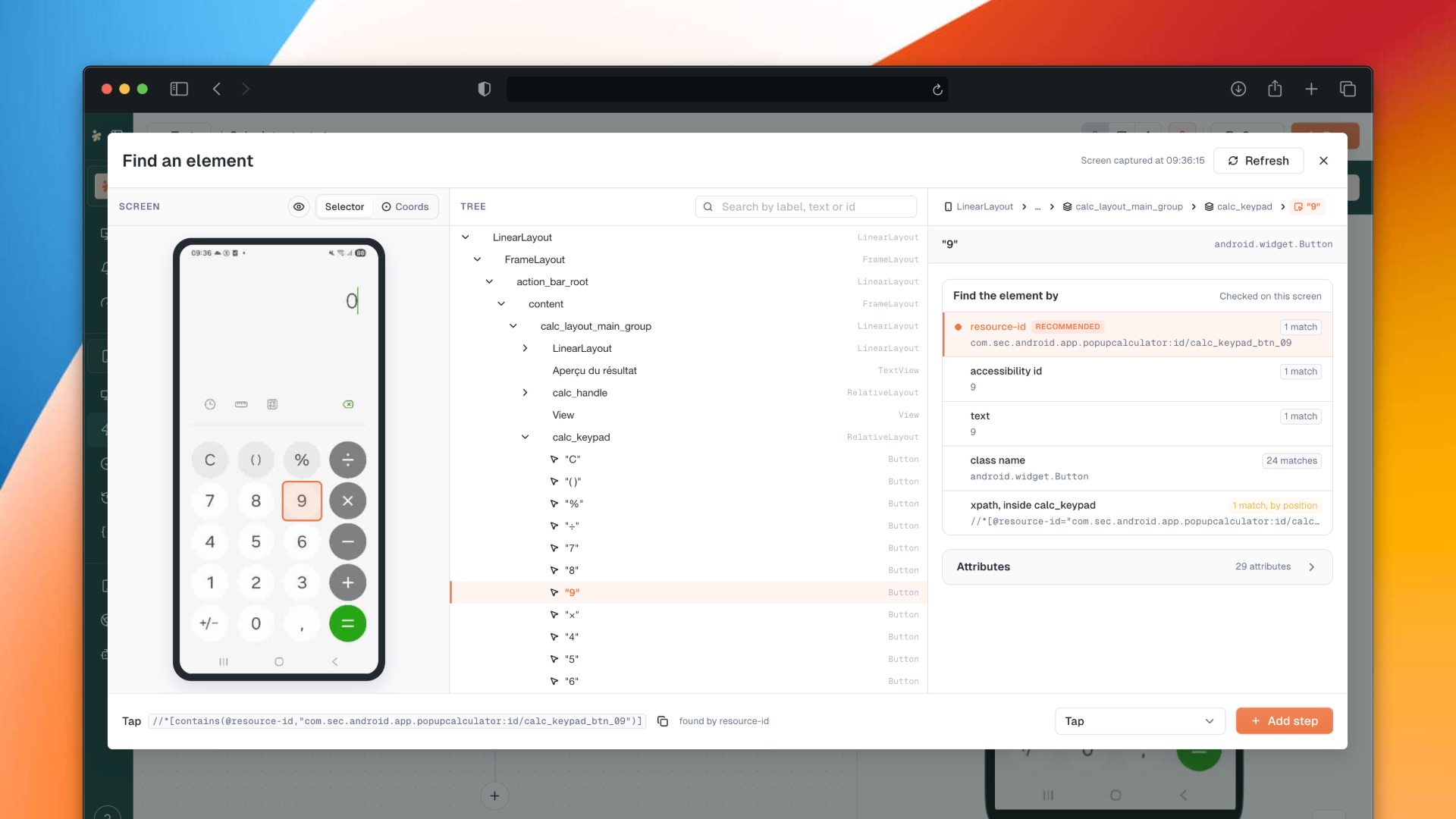
XML tree viewer: a new button on execution results opens the XML tree of the screen
Refresh app button: dedicated button to refresh the list of installed apps
Cleaner test creation modal: the smartphone test creation modal has been reworked for clarity
Variables in execution details: input and output variables now appear directly on the execution details page
Variables in Start URL: the Start URL field of the test creation modal now supports variables
Persistent sort: your sort column and direction stick across navigation on tests, monitors, dashboards, test suites, smartphones and SIMs lists
Realtime Status time ranges: added 7 days, 30 days, 90 days and 12 months on top of the existing hourly ranges
Better drag cursors: all draggable elements now have proper cursors so it's obvious what you can move
Mail report subscriptions no longer overwrite the creator, and the recipient list is now reliably persisted
Fixed live preview not following the selected test in multi-test suites
Fixed checkbox step overflow when the description is too long
Fixed "Select a device" error when saving a reusable component without a device
Fixed selected products being reset when adding a product to a device or agent
Fixed execution page showing all execution devices instead of only the devices used by the selected test
Fixed browser preset not displayed on the monitor devices card for smartphone tests
Fixed step-level timeout defaulting to 60s instead of the test-level Selector timeout
Blocked copy to another product for tests containing reusable components
Fixed the "last update" column of the dashboards list to display the actual update date
Drag handle icon color is now consistent with the design system
Recipient tags in the mail report panel now show the email even when the recipient is not in the operator's user list
Fixed execution status stuck on "queued" in the test form after a run
Fixed crash when creating a global variable of type "Choice"
Restoring a test version now warns about variables that no longer exist
Fixed opening monitoring details from the realtime status card
Fixed unexpected logout caused by missing refresh token fallback and stale auth cookies
Fixed the "Create Monitor" button on the Realtime Status empty state
Fixed crash on the execution details page of a monitoring with multiple owners
Fixed smartphone V2 test results showing only the first step
Fixed empty owner regularly displayed on the test creation form
Fixed crash on the execution result page when there is no triggering user
The artifacts button now shows on execution steps when only systemd logs are present, keeping "Systemd output" and "Systemd error" tabs reachable
Fixed version history preview not loading anything for smartphone tests
Fixed app_reset checkbox incorrectly checked for old tests missing the key
Fixed webhook saving failure in notifications settings
April 26th, 2026

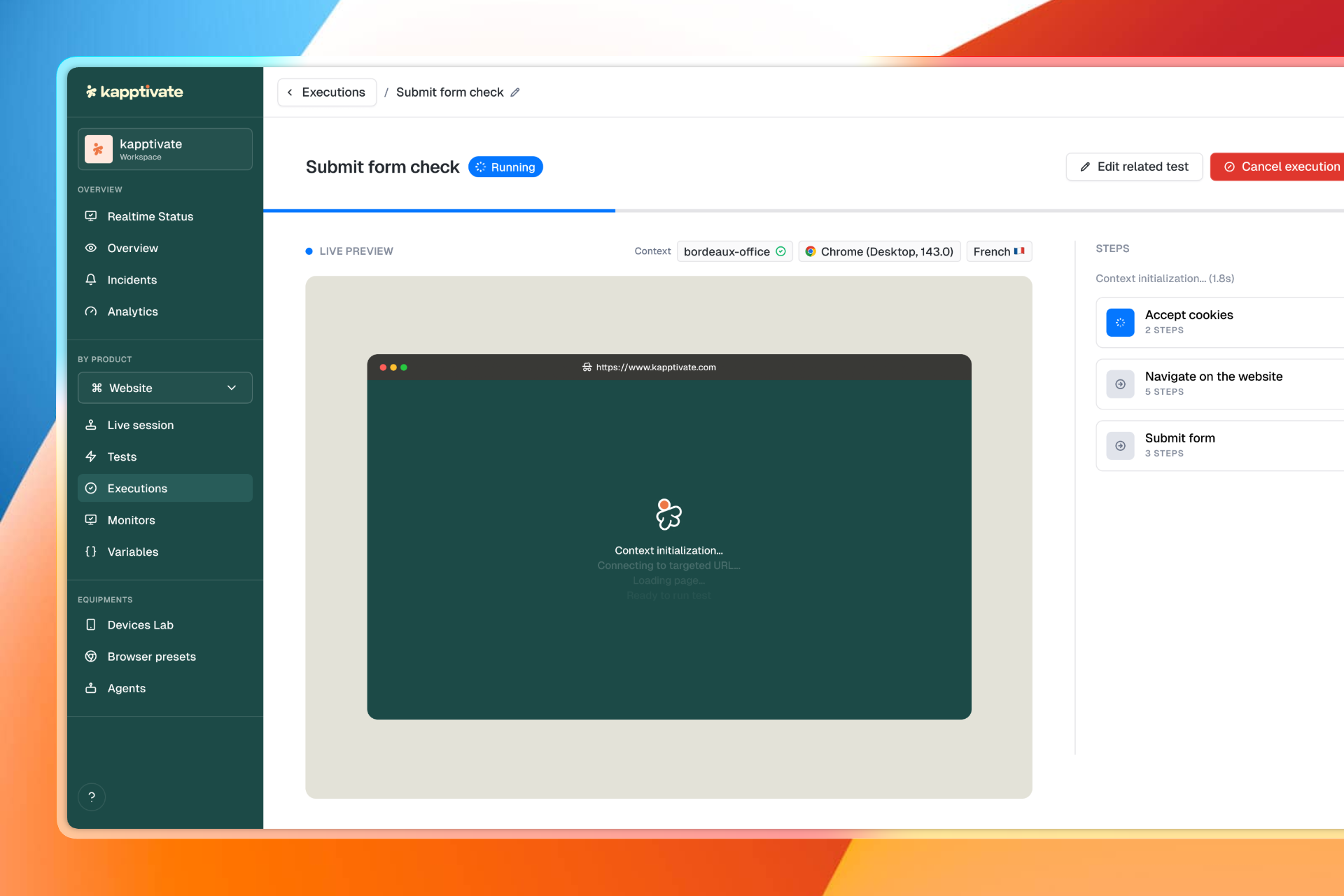
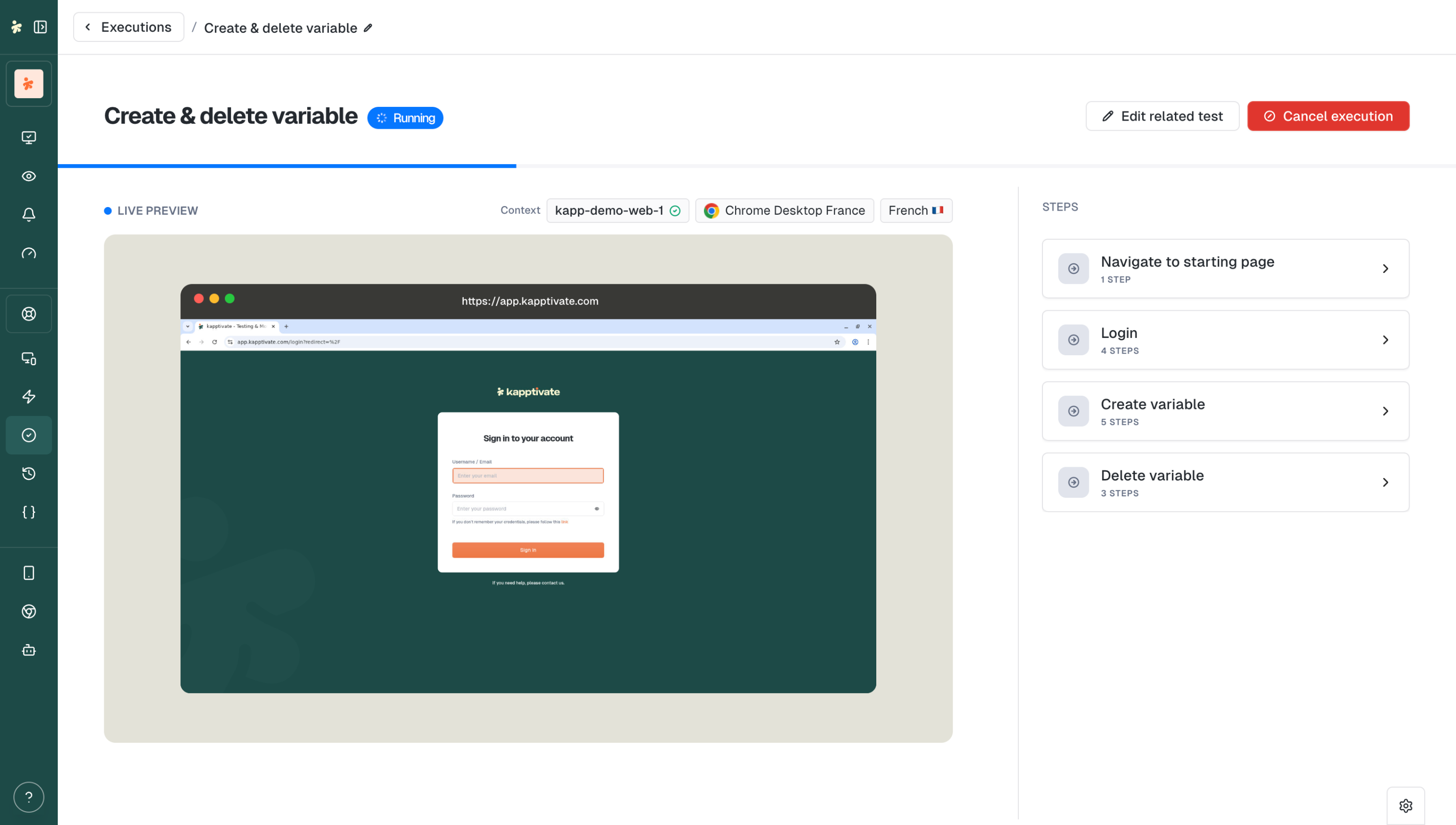
This release introduces a completely new test execution experience. View the browser or smartphone screen live, without leaving the execution page.
A new way to follow your web and smartphone tests.

Live Preview: The browser or smartphone screen displays directly in the execution view. No need to go back to the test editor.
New UI: Step groups displayed in real time with a redesigned collapse. Progressive step-by-step display coming in a future release.
Improved Navigate to URL: This step group now shows details directly in the collapse. Perfect for validating loading times.
Smooth Transitions: Cleaner transition from "running" to "success/failed" status.
Edit Related Test: Access the test editor directly from running mode.
Insert Step button: Add a step between two existing steps directly in the canvas
Cancel Execution on Test Suites: Cancel a running test suite
Skipped step groups hidden: Execution results no longer show noise from skipped groups
Assertion mode auto-disabled: After a click in the smartphone recorder, assertion mode turns off automatically
More accurate execution times: Failed tests are excluded from weekly averages
Aligned timers: Step group timers aligned with step timers inside the collapse
Scroll to top: Automatic scroll to top on pagination change
Password managers blocked: No more autofill on shared dashboard password fields
Fixed Realtime Status count display (time filter aligned with GROUP BY intervals)
Fixed day selection alignment in date picker
Agents list now sorted in natural/human order
Fixed smartphone test crash when Environment tab is focused
Fixed Replay button not working on results page
Fixed execution creator not displaying on execution details page
Fixed shifting and unaligned step group collapse layout
Fixed monitoring list counter to match filtered list
Fixed background execution list not filling available space
Display global variables dropdown on shared dashboards
Prevent users from granting permissions they don't have when creating custom roles
Fixed inconsistent device information on execution details page
Fixed device selection not applied when creating monitor from execution parameters modal
Fixed actions column width in browser presets and tests tables
Fixed status colors on public dashboards
Fixed inability to scroll multi-test result details during execution
Fixed incorrect French translation for maintenance exit button
Fixed CSS priority issue via lazy loading of monitoring and supervision routes
Test editor and monitoring pages now reflect renamed variables immediately
April 21st, 2026

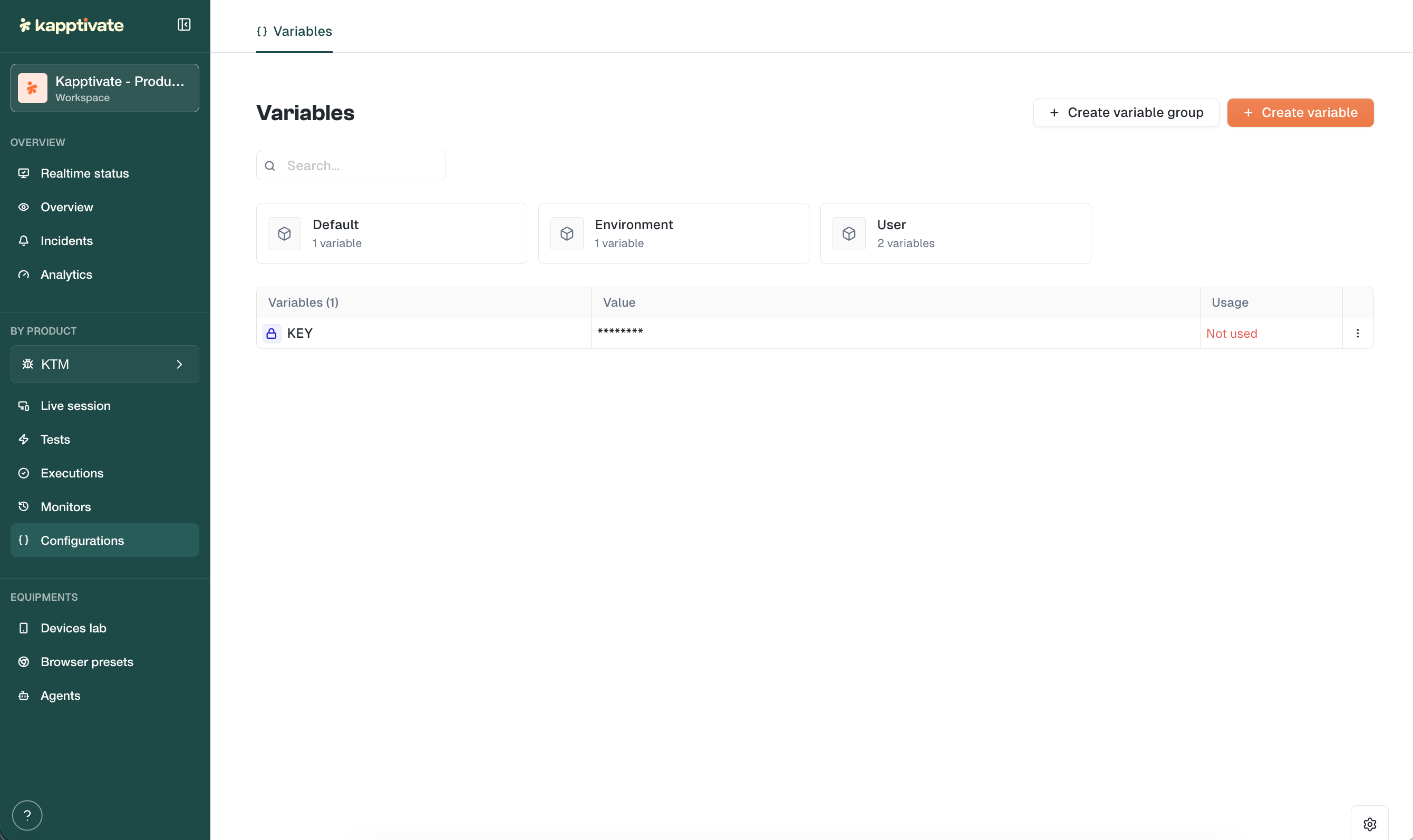
This release fundamentally changes how you manage data across your tests. Define variables once at the workspace level, create variants for different scenarios, and compose your test executions with the right data in just a few clicks.
The new version of variables is now live across all environments.

General Variables: Define a variable once, use it everywhere. A single value shared across all your tests, perfect for environment URLs, API endpoints, or any constant.
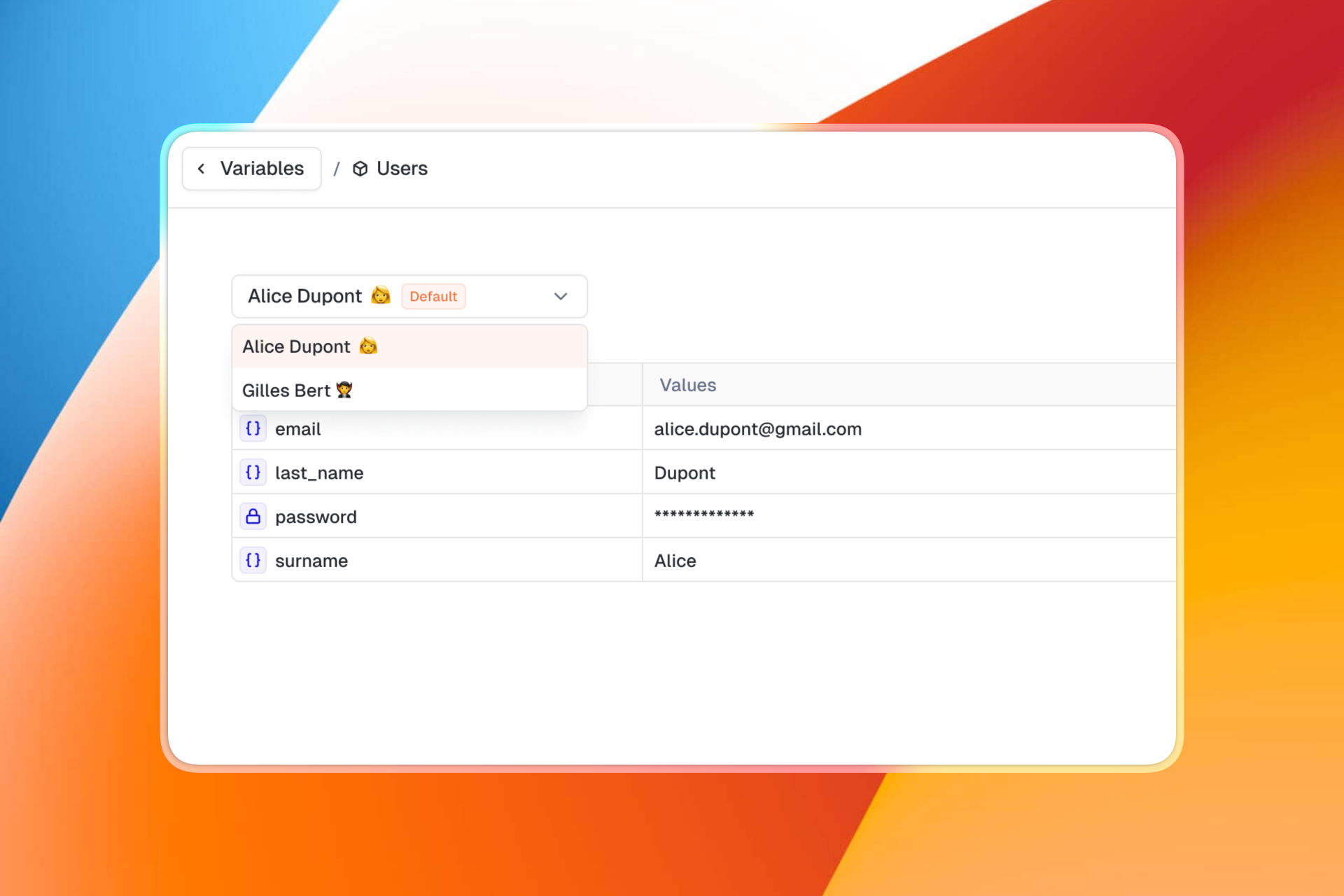
Variable Groups with Variants: Variable groups now support multiple sets of values. Think user profiles: create a "Profiles" group with variants like "Admin", "Standard User", "Guest". Each variant holds its own values (login, password, permissions...).

Easy Composition: When executing a test or configuring a monitor, select which variants to use. Mix and match to create the exact scenario you need. No duplication, no manual overrides.

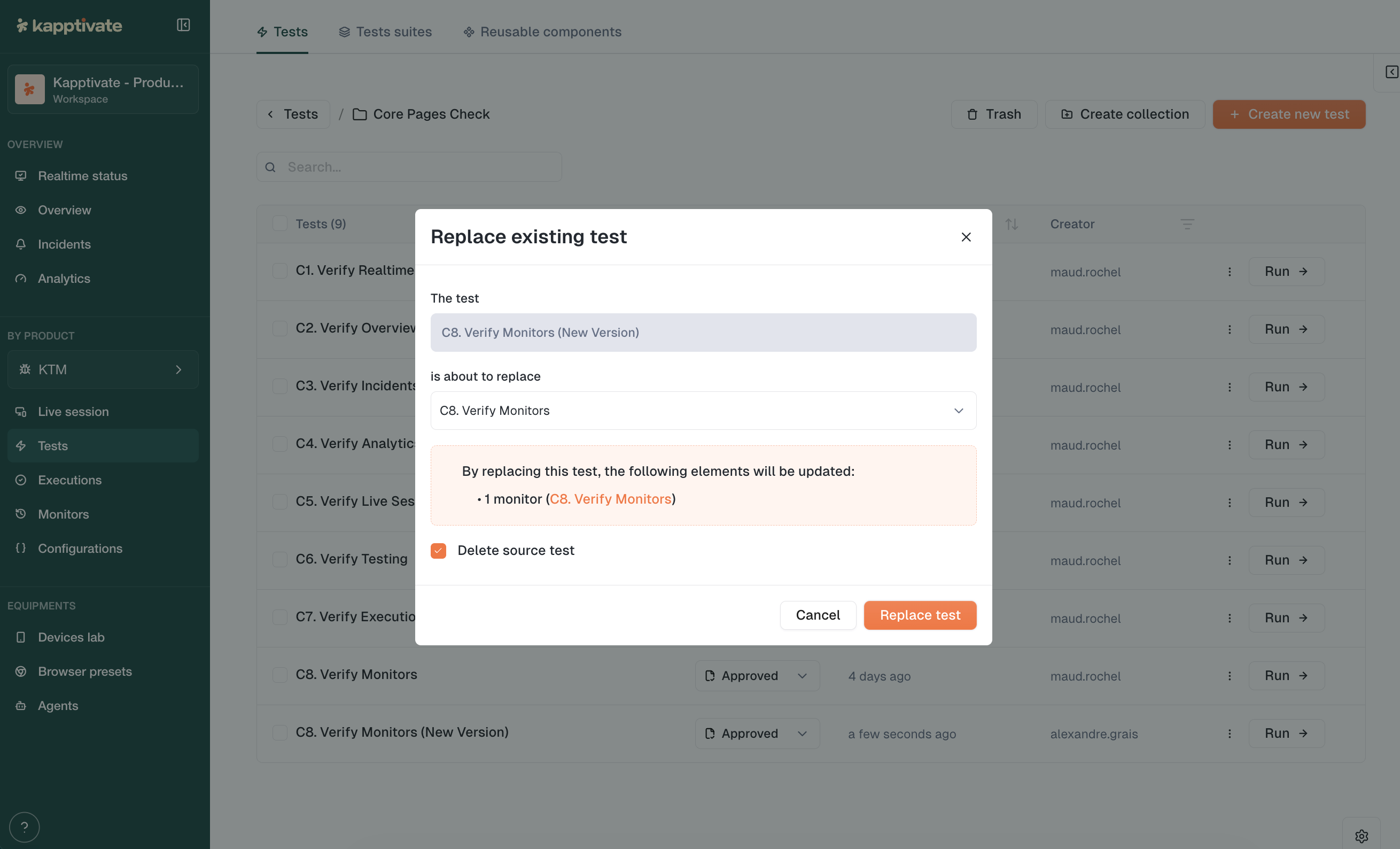
Swap an existing test with a new one while keeping all connected monitors, historical data, and reporting continuity intact. No more recreating monitors when a test needs a major overhaul.

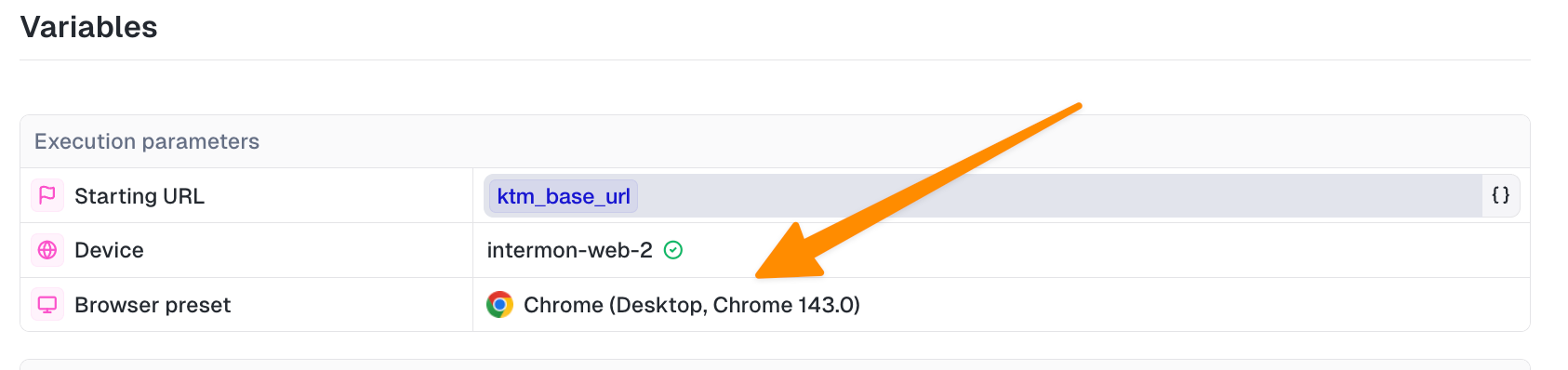
Select a Browser Preset directly when creating a monitor. Your test runs under the exact same conditions as manual execution. A default preset is now automatically applied for web tests.

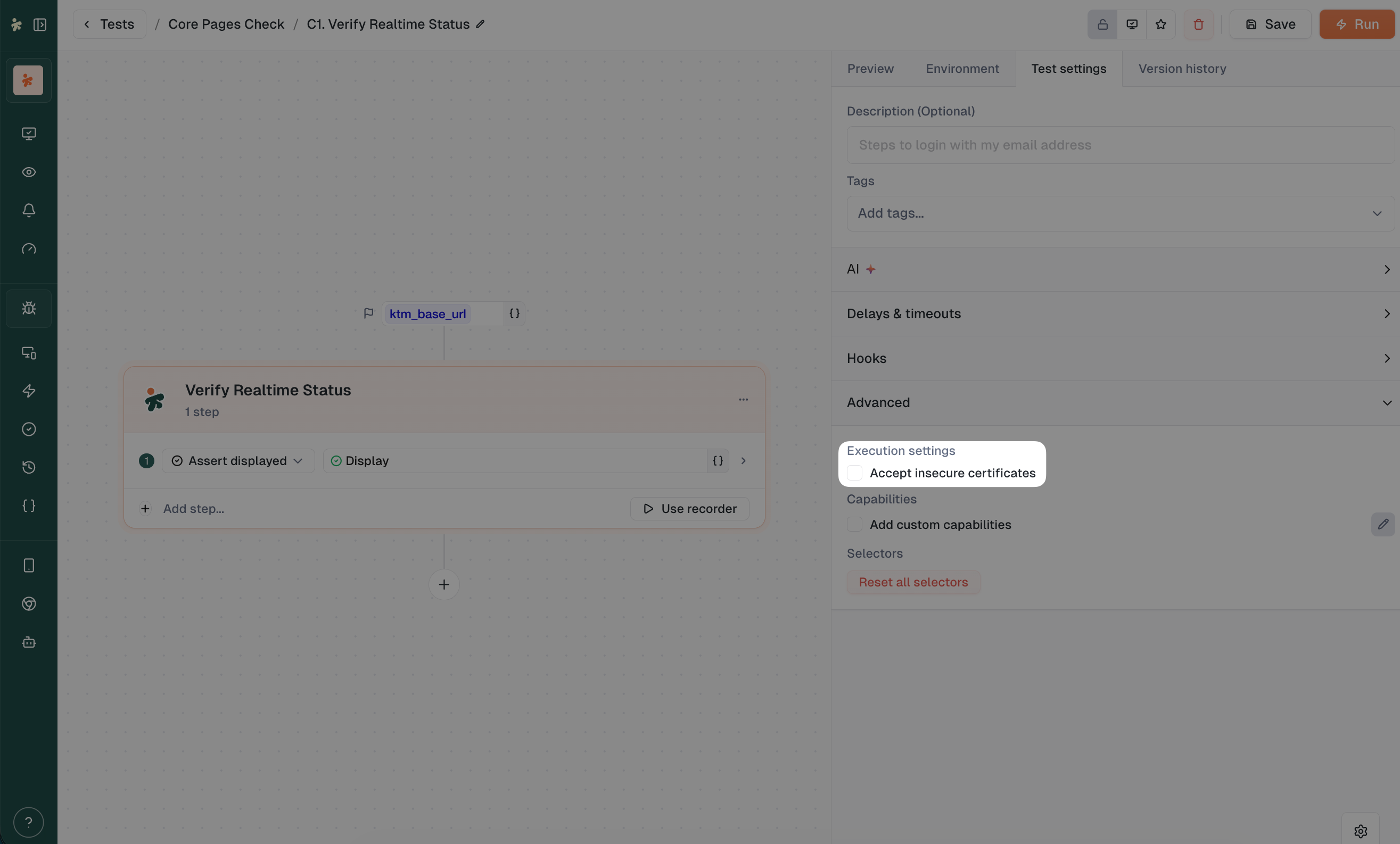
Testing on staging with self-signed certificates? The new web testing experience now includes an "Accept insecure certificates" option.
Agent settings: New "About" panel to edit agent names
Dismissable banners: Communication banners now have a persistent close button
Keyboard navigation: Escape key closes selection banners on all list pages
Validation guardrails: Can't save a monitor or test without required device and browser preset
Unresolved variables visible: Test variables that aren't resolved now show clearly in the monitoring form
Fixed live browser disconnecting after ~90 seconds
Fixed public shared dashboards failing to load charts
Fixed crash when switching products on the variables page
Fixed monitor save losing variable actions
Fixed incidents page crash
Fixed selection banner not showing in Reusables
Fixed banner displacing the action bar in list pages
Fixed capacity tab layout in web agent details
Fixed breadcrumb collection names
Blocked access to archived workspaces for non-super-admin users
Added all status options to monitor filtering
March 10th, 2026

This release brings powerful new ways to reduce noise and share insights, plus a major reorganization of how you access agents and devices. Less clutter, more control.
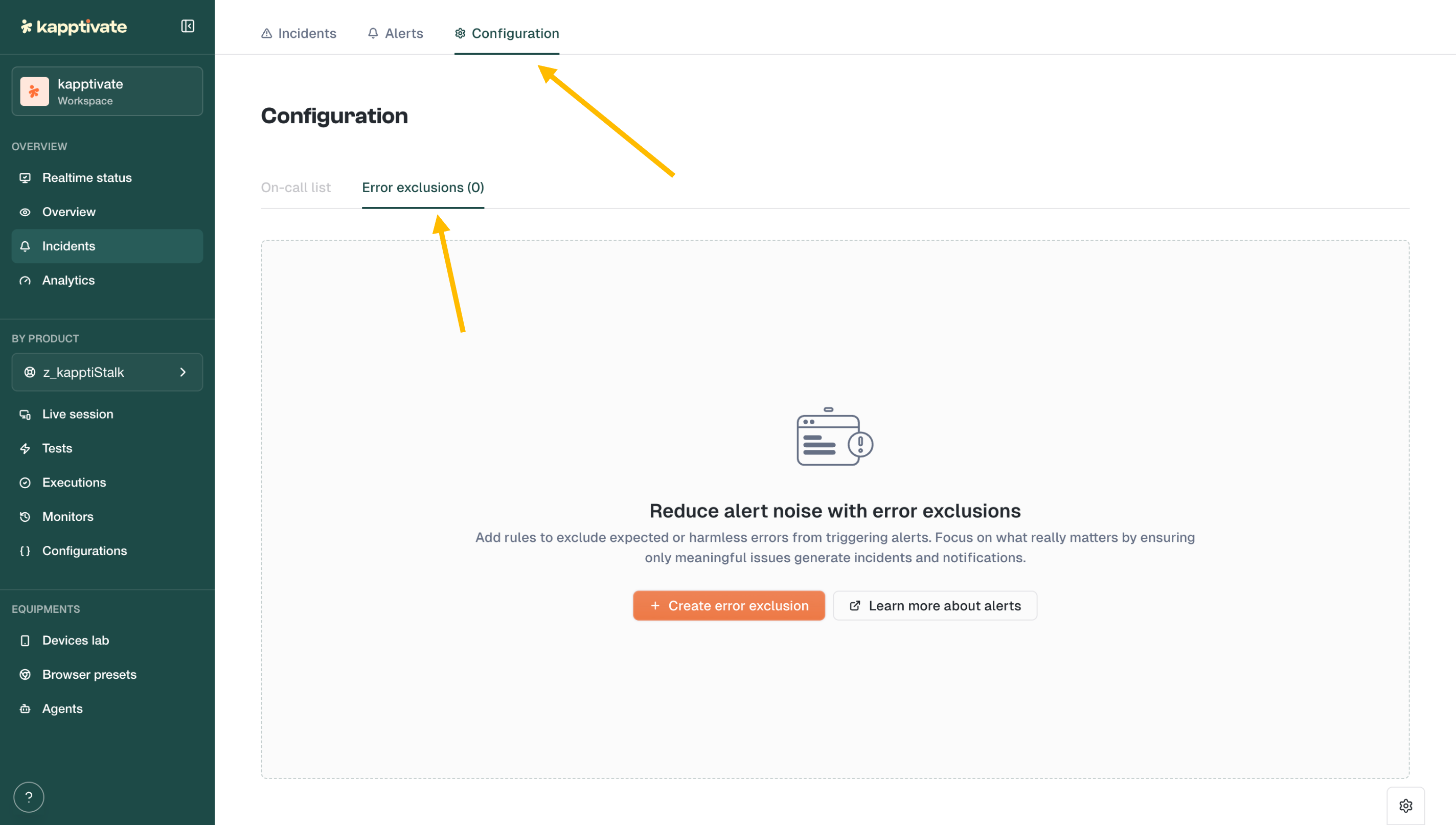
Not every error deserves to wake someone up at 3am.

The new Error Exclusions feature lets you define patterns to filter out expected or harmless errors from triggering alerts. Find it under Incidents β Configuration β Error exclusions.
Create rules based on error patterns (e.g., "robot unreachable" during planned maintenance) and focus your alerts on what actually matters.
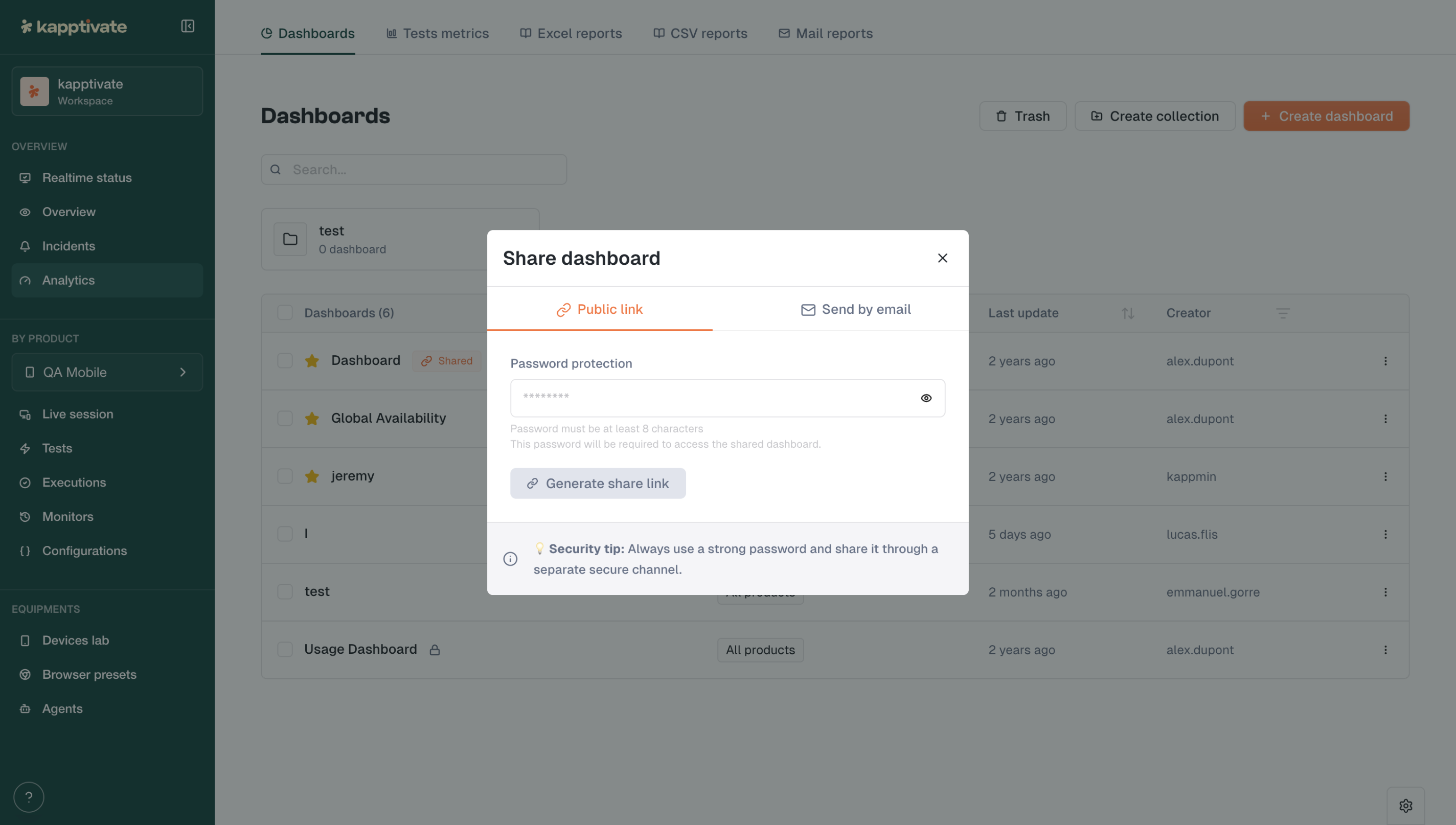
Need to share a dashboard with someone outside your workspace? Now you can.

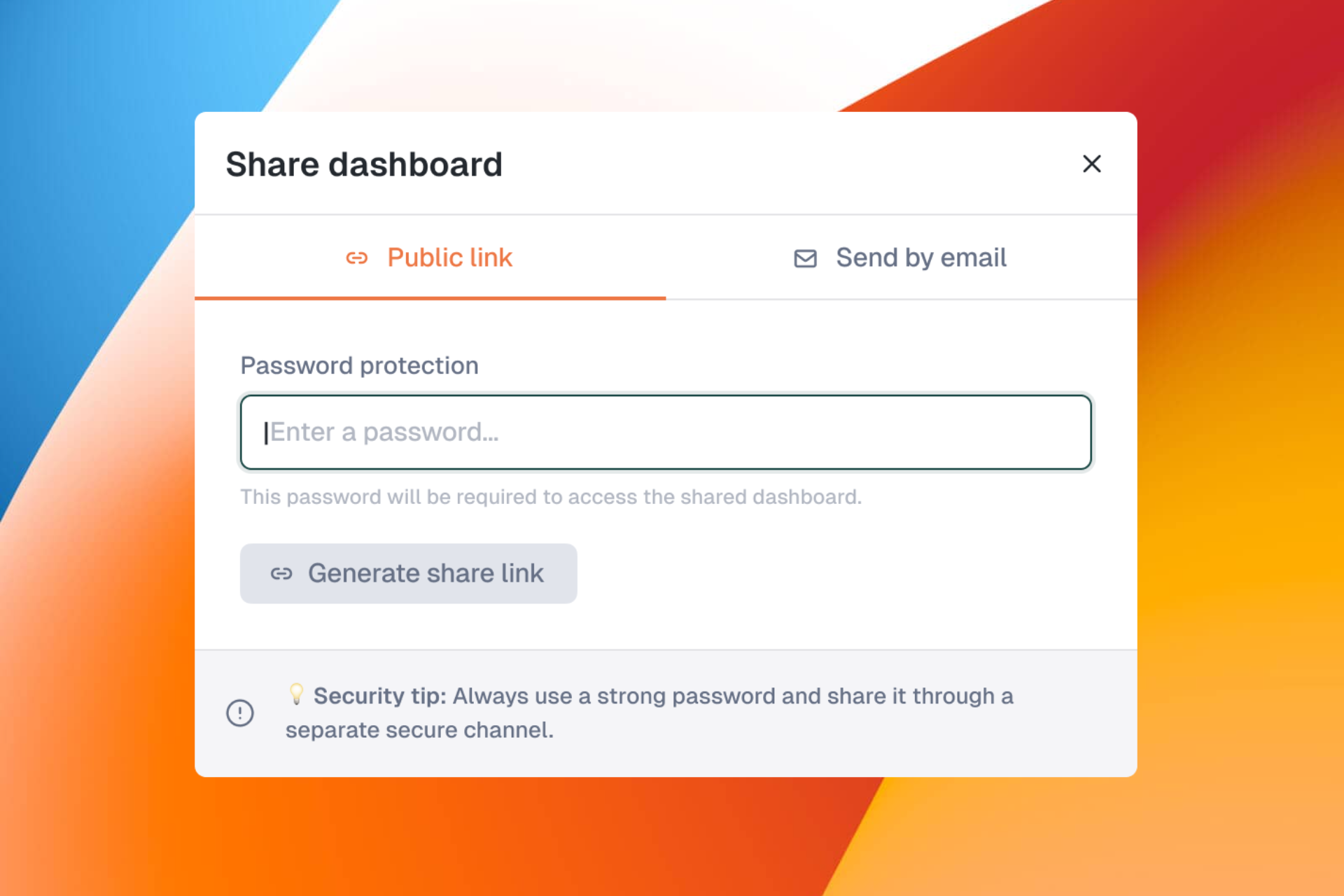
Generate a password-protected public link for any dashboard. Recipients can view the dashboard without needing a Kapptivate account.
Password protection required (minimum 8 characters)
Share via link or email
Revoke access anytime
Perfect for sharing status pages with clients or stakeholders.
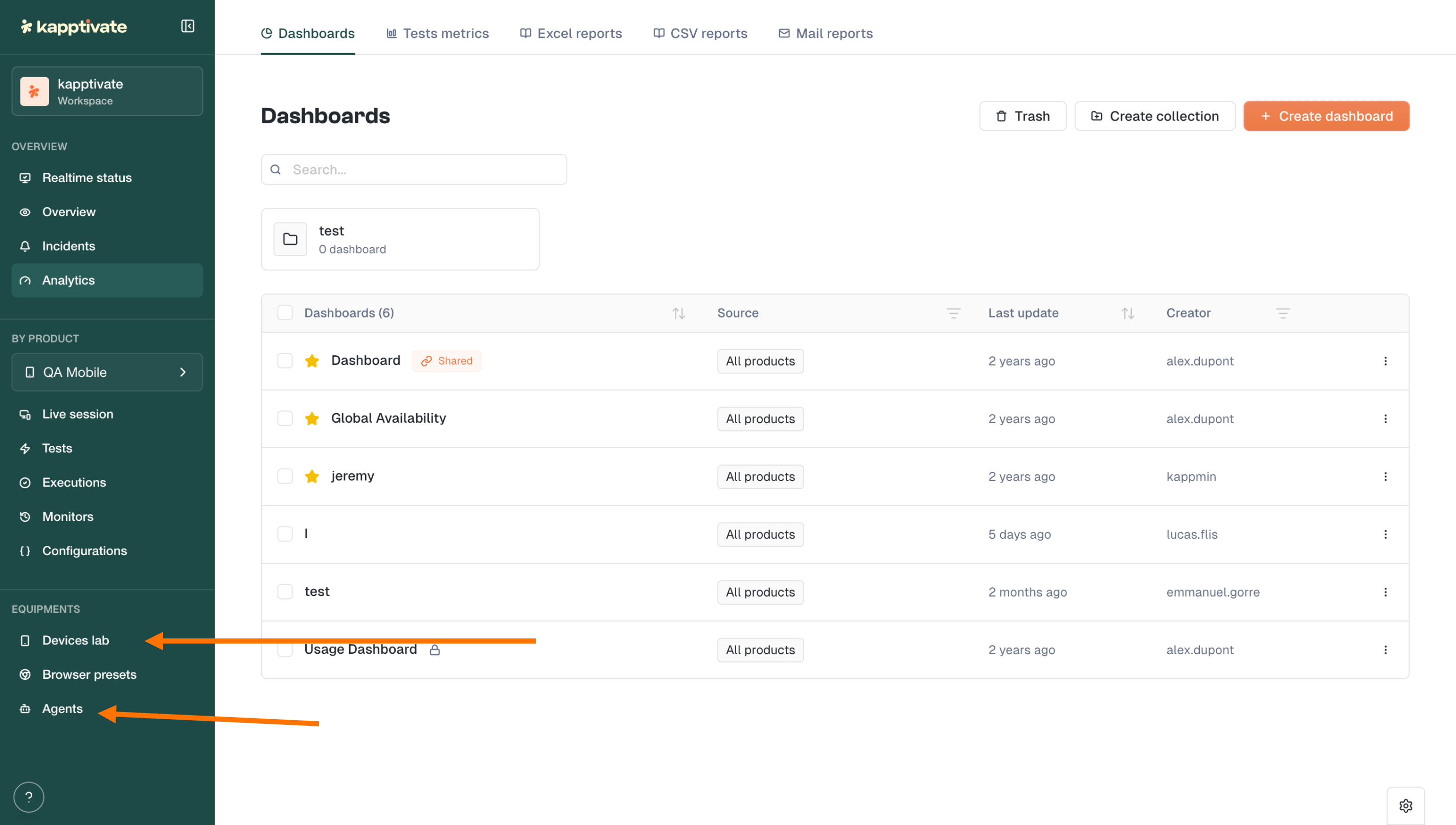
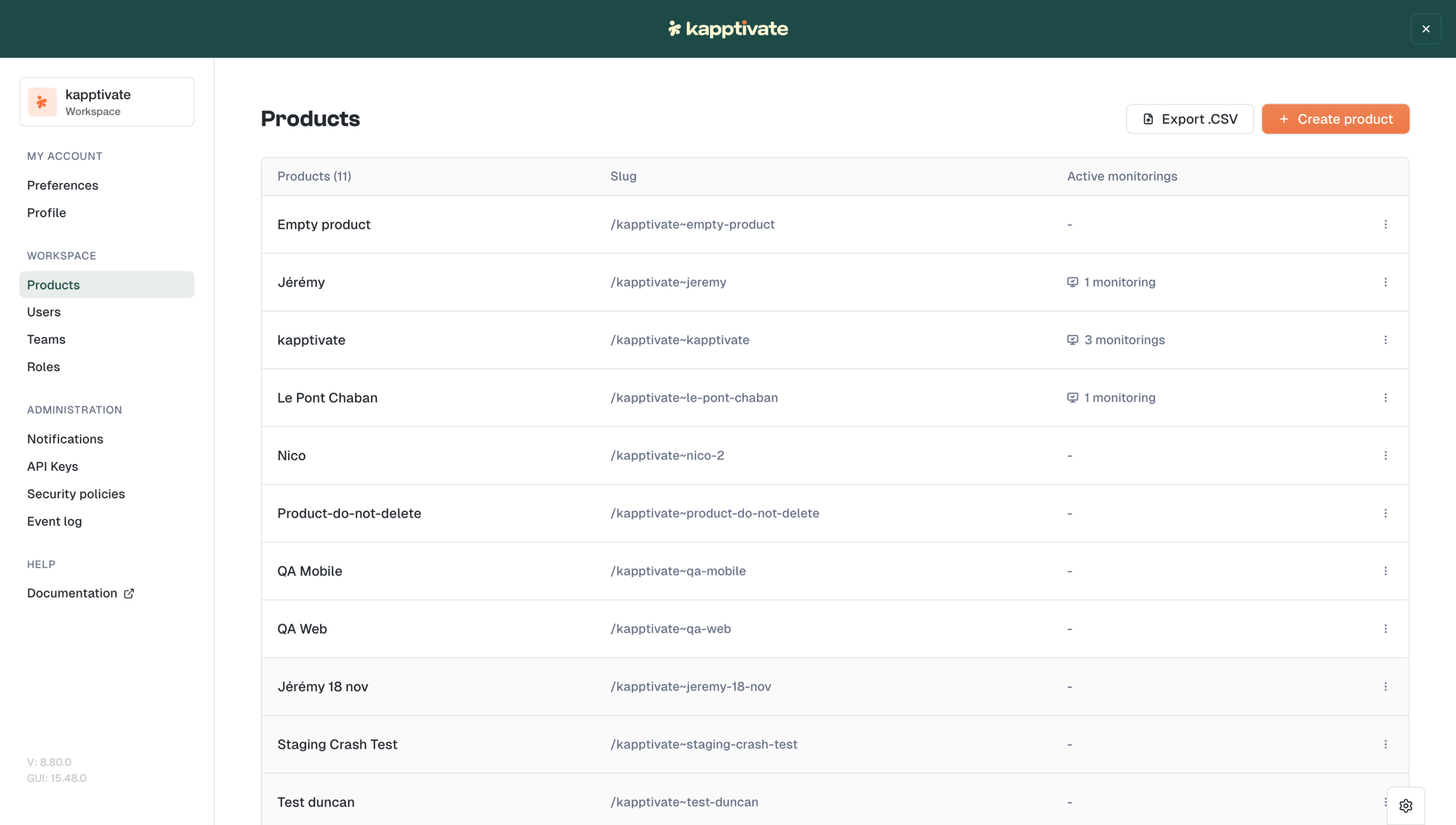
We've moved Devices lab, Browser presets, and Agents out of the admin panel and into the main sidebar under Equipments.

What this means:
All users can now see and browse agents, smartphones, and devices
Actions are permission-based: only users with the right roles can perform maintenance, reboot, or configuration changes
Cleaner separation between viewing and managing
No more hunting through admin menus to check device status.
We've reorganized the Settings panel for clarity:

My Account: Profile & Preferences in one place
Workspace: Products, Users, Teams, Roles
Administration: Notifications, API Keys, Security policies, Event log
A simpler structure that's ready for future enhancements.
Smoother test creation: Improvements to both smartphone and web test creation flows
Custom capabilities restored: Custom browser capabilities are accessible to all users again (sorry for the temporary restriction!)
Another step toward a cleaner, more intuitive Kapptivate.
Let us know what you think! π¬
February 25th, 2026

This release focuses on the little things that make your daily testing workflow more intuitive. Better navigation, more control over timing, and clearer execution details.
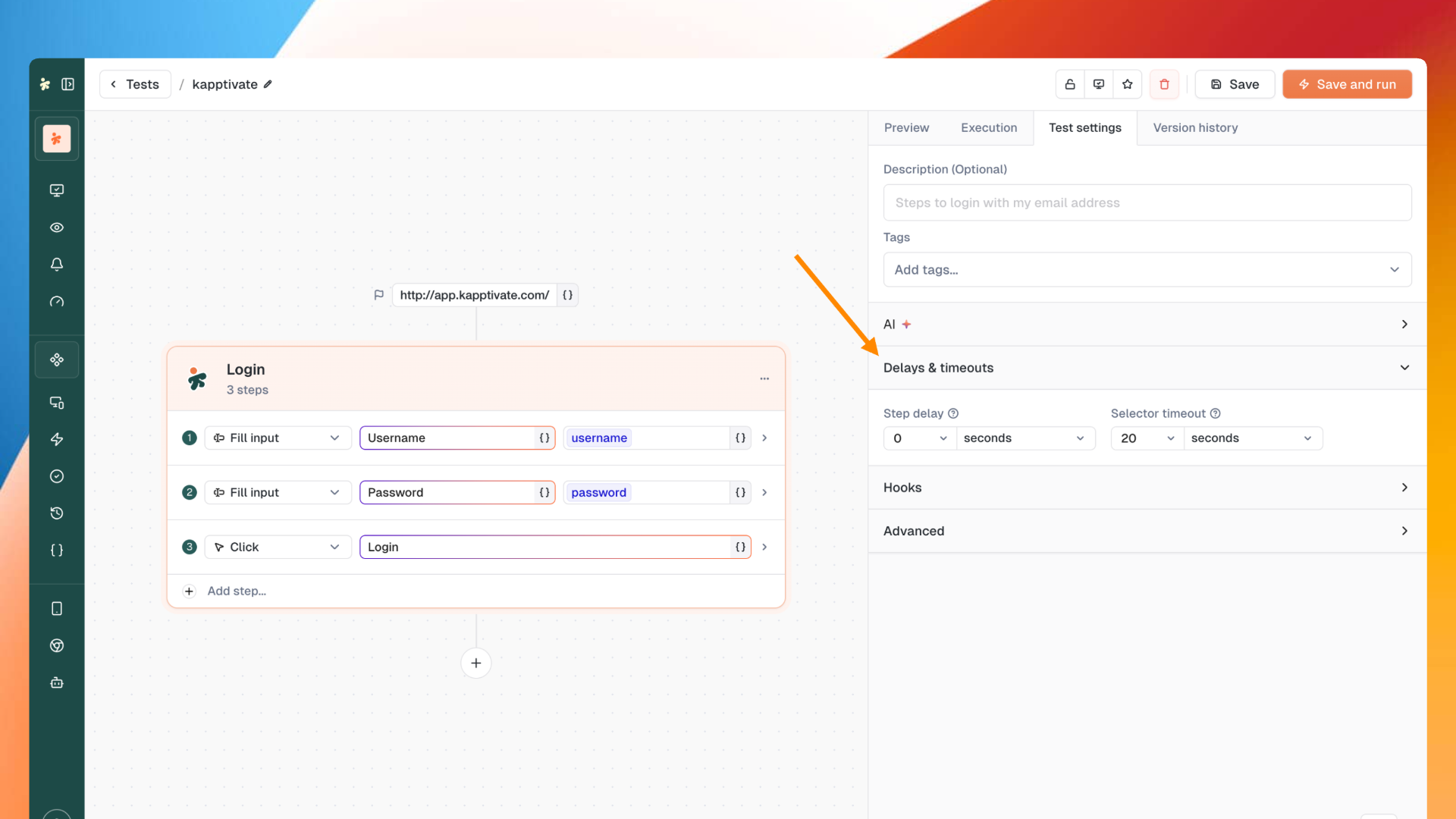
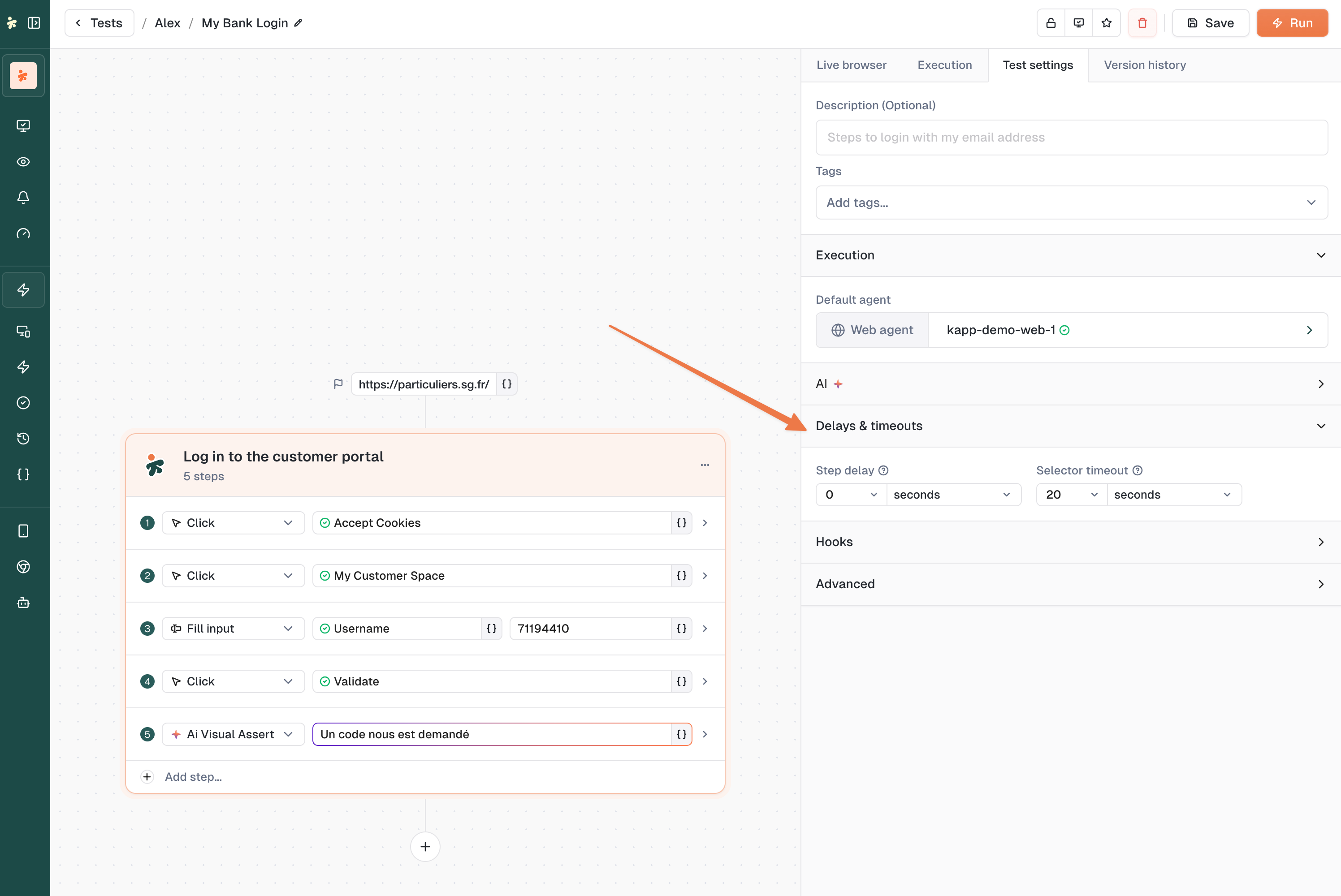
Fine-tune your test timing with new controls for web tests.

You can now configure step delays and selector timeouts directly in your test settings. Perfect for handling slow-loading elements or adding breathing room between actions.
The Get email link action just got smarter.

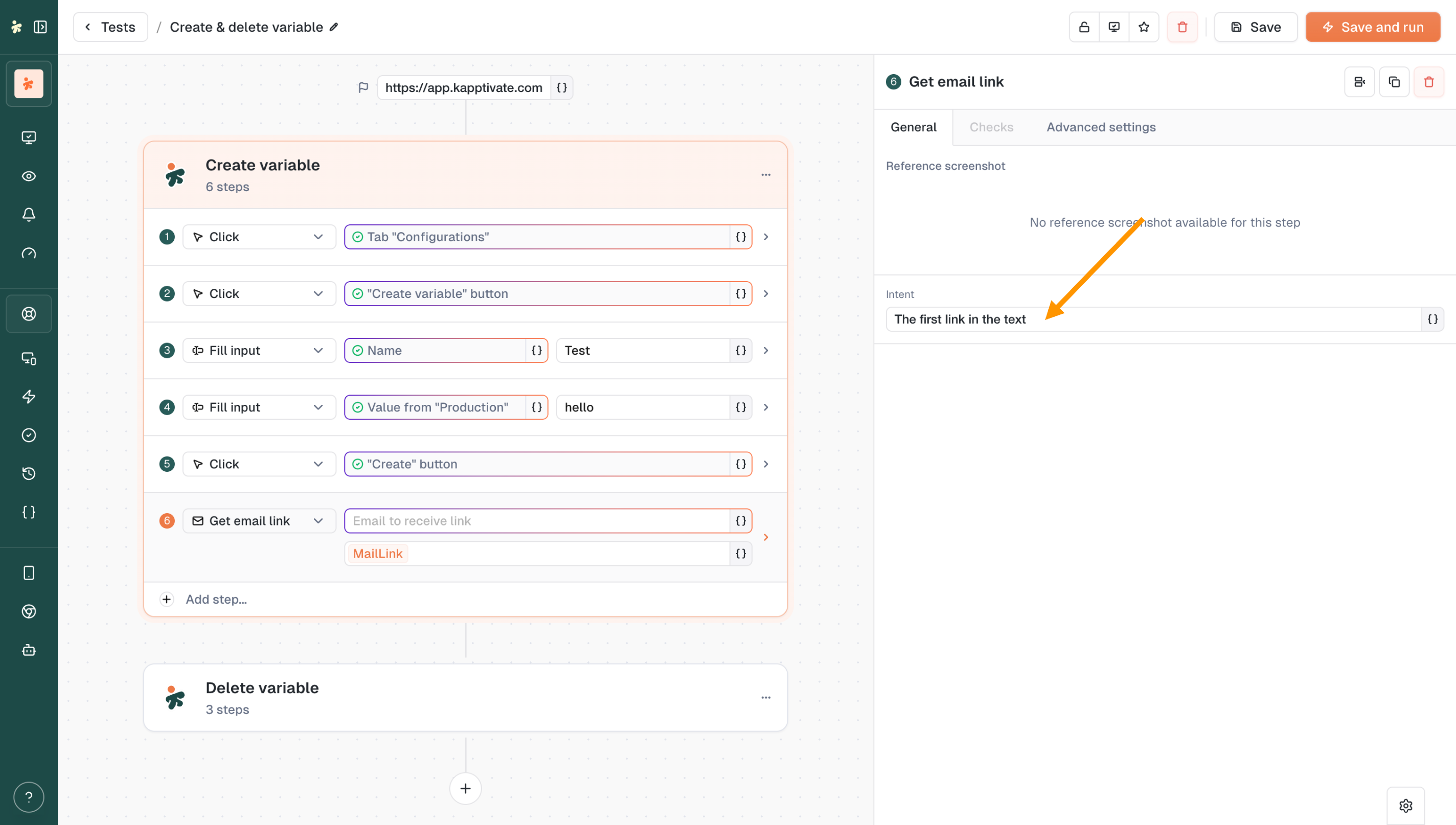
The new Intent field lets you specify exactly which link to retrieve from an email. Whether it's "the first link in the text," a password reset link, or a verification URL, you're now in control of what gets captured thanks to our AI.
Moving through your test collections is now more intuitive.

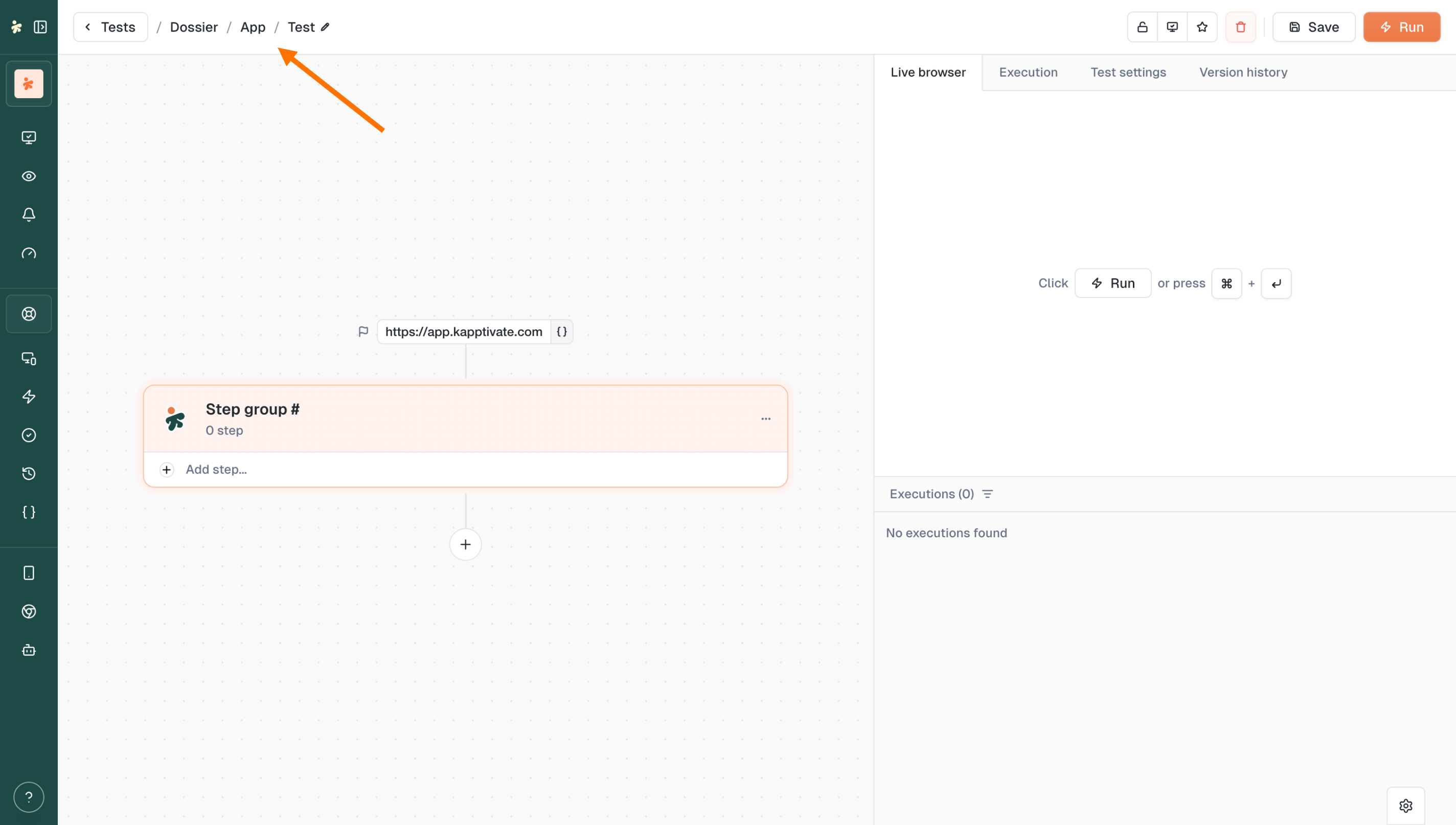
We've reworked the back buttons and breadcrumbs to make navigation feel natural. No more wondering where you'll end up when you click back.
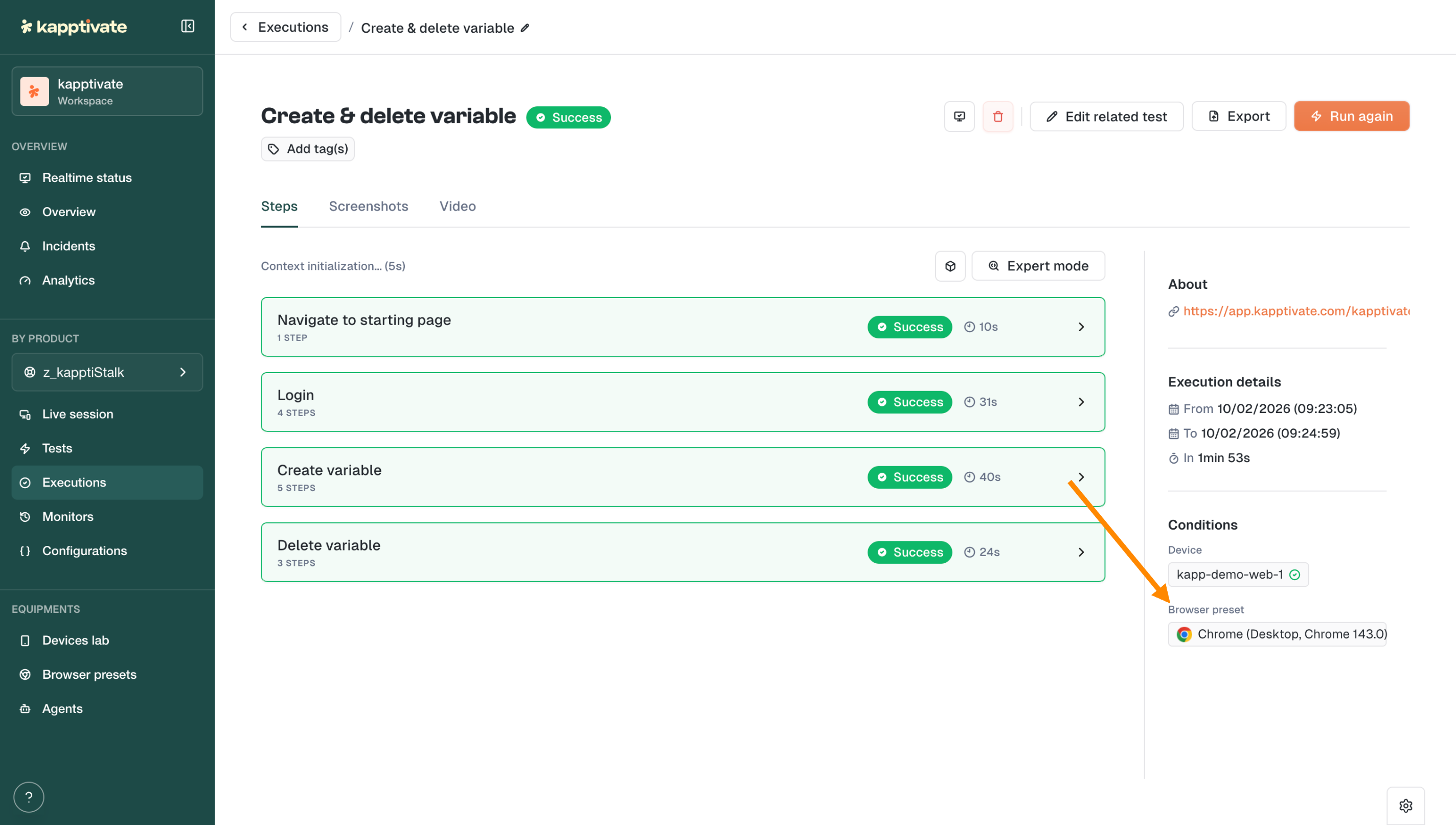
You can now see which Browser Preset was used directly in the execution details page.

At a glance, know if that test ran on Chrome Desktop, mobile Safari, or any other configuration. No more guessing.
Preserved element selection: When changing an action type, your recorded element stays selected
Consistent iconography: Updated icons across the interface for better visual coherence
February 10th, 2026

This release is packed with features you've been waiting for. Automate repetitive setup and teardown with Hooks, test across any browser and screen size with Browser Presets, and filter your Realtime Status with surgical precision. Plus, all your agent types now get the same love with brand new detail pages.
Say goodbye to repetitive setup and cleanup steps scattered across your tests.

Hooks let you run step groups automatically at key moments:
Before a test: set up your environment, log in, prepare data
After a test: clean up, log out, reset state
Before each step: add consistent pre-conditions
After each step: capture screenshots, validate state
Define it once, reuse it everywhere. Your tests just got cleaner and more maintainable.
"How do I test my site on mobile?" You asked, we delivered.


Browser Presets let you configure and save browser configurations including:
Browser type: Chrome, Firefox, Edge, Safari...
Screen size & viewport: desktop, tablet, mobile
Timezone & locale: test like your users experience it
Custom headers: add authentication or custom parameters
Create a preset, select it in your test, and you're good to go.
Your monitoring just got smarter.

The new filter groups on Realtime Status let you build complex queries with OR / AND logic:
Group filters together
Choose how groups combine
Get exactly the view you need
Whether you're tracking specific products, zones, or test types, you're now in full control.

Following our Web Agent redesign, Cellular, Passive, and Smartphone agents now have their own dedicated detail pages with a clean tabbed interface:
General: agent info and quick actions
Connected Devices: see all SIMs, smartphones, and devices at a glance
Monitors: all monitors running on this agent
Settings: configuration and management
A unified experience across all your agents.
When a monitor fails due to a device issue, you'll now see it clearly.

No more guessing whether it's your test or your hardware. The new device issue status makes troubleshooting straightforward.
Custom capabilities for everyone: Custom browser capabilities are now available to all users in web test settings
Faster filters: Improved performance on Realtime Status filter operations
Product visibility: Product name now displays on Realtime Status in display mode
Smoother forms: Web test creation forms performance improvements
Tighter permissions: Agent settings actions (Auto Updates, Delete, Reset Password) now restricted to Super Admins with clear tooltips
Teams webhook proxy support: Microsoft Teams webhooks now support proxy and insecure skip verify options
Fixed crash on old alert format
Executions now display start date instead of created date
Fixed alignment issues in browser preset modal
Fixed execution list not showing date for queued tests
Fixed inability to add headers when editing browser presets
Removed duplicate and deprecated timezone options
Fixed bulk monitor device edition
Fixed StepDetails panel closing unexpectedly when changing step type
Fixed monitors page crash during data loading
Fixed web edition losing data when editing steps
Fixed tags disappearing when saving unmodified tests
Fixed missing French translations for SIM slot reboot
Fixed login and password reset pages incorrectly requiring authentication
Fixed missing scheduling tooltip translation on Realtime Status
Fixed broken SIM links in Cellular Agent Connected Devices tab
January 14th, 2026

This release brings powerful new ways to manage your testing workflow. Whether you need to stop a test mid-execution, fine-tune how you visualize your Realtime Status, or get deeper insights into your web agents: we've got you covered.

You asked for more control over your test executions β we heard you!
You can now cancel running executions directly from the new no-code web tests. Whether you're in the test creation form or browsing your test list, stopping a test is just one click away.
No more waiting for a test to finish when you've spotted an issue early. Just hit Cancel execution and move on.

A brand new Display button has landed on the Realtime Status page, giving you full control over how you visualize your monitoring data:
Cards or List view - choose the layout that works best for you
Flexible bar charts - disable the 100% stacked view to see actual execution counts
Grouping & columns - organize your data by product, adjust column count
Time range & execution display - customize exactly what you see
Your dashboards, your way.

The Web Agent details page has been completely redesigned with a clean, tabbed interface:
General - agent info, status, and quick actions (reboot, test-only mode, maintenance)
Usage - see how your agent is being utilized
Capacity - monitor available resources
Monitors - view all monitors running on this agent
Settings - configure agent behavior
Event logs - track everything happening on your agent
Everything you need to manage your web agents is now in one place.
Run tests faster: The CMD/CTRL + ENTER shortcut now submits the form and runs the test without needing to save first
Teams webhook support: Workflow webhooks now work with Microsoft Teams
Smarter collection handling: Creating a test from a collection now places it in the correct collection automatically
Fixed agent reboot not working properly
Resolved excessive test version creation
Optimized page loading performance
Variable names no longer change unexpectedly when updating values
Fixed empty state and SIM table appearing simultaneously
Added scroll to the Create Variable Group modal
Fixed crash on execution drawer
Status dropdown in tests table now renders consistently when open and closed
Variables can now be properly overridden in scripts
Excel report generation no longer shows false failure messages
Fixed bulk monitor creation from tests
Users now see a notification when copying a product with missing variables
Fixed variables override behavior
Execution time now displays correctly in web form v2
Fixed missing status in Send SMS action
As always, your feedback helps us improve. Let us know what you think!Β
November 26th, 2025

Youβve been building more and more scenarios in Kapptivate, and one thing kept coming back:
βWe need to have a solution to not repeat ourselves in the different scenariosβ.
This release brings a big leap in how you create, maintain, and scale your test suites β with reusable building blocks, smarter editing, and better control over your environments.
Say hello to Reusable Components β the fastest way to build tests without repetition.
Reusable Components are step groups you create once and reuse everywhere (login, logout, user creation, setup flows, etc.).
Update them a single time, and all the tests using them stay automatically in sync.

Why it matters:
Write common flows once, reuse infinitely
Massively reduce maintenance when apps change
Compose scenarios like Lego instead of copy/pasting steps
Keep large test suites consistent and scalable
Reusable Components are now available directly in the test creation form, so you can insert blocks as you build.
To keep things organized as your library grows, you can now store reusable components inside Collections.

Collections are available in the reusable page and in the import modal, making it easy to browse the right blocks fast.
Move Step Groups Up / Down
Reorder groups instantly with new Move Up / Move Down actions.
Reset All Selectors (one click)
You can now clean all selectors in a test without touching reusable steps.
No Web Agent Warning
If no web agent is available while creating a test or reusable, Kapptivate tells you clearly.
Run Button Placement Updated
Run now sits right next to Save in the new web test form for a smoother workflow.
Tooltips on Icon Buttons
Tooltips are now displayed on all icon-only buttons for improved accessibility and clarity.
Fixed a bug preventing the monitoring form from being saved when the monitor was paused.
Improved reliability of the Live button opening the fullscreen modal.
Corrected the display of βConnectingβ¦β in live preview across different screen sizes.
Improved Live Browser display when execution is pending.
Execution duration is now accurate in multiple test execution.
You can now run a test with CMD/CTRL + ENTER from the new test builder.
Reset all selectors now only affects the test, not reusable component steps.
Deleting a reusable from its edit page now redirects correctly to the reusable list.
Fixed the clickable area on reusable cards.
Removed last incorrect mentions of βtestsβ on the reusable edit page.
Duplicate test now correctly duplicates tests created with the new web test flow.
Fixed a visual issue where an assert not displayed step could render incorrectly.
Fixed cellular agents slots that could not be rebooted.
Step details are now correctly disabled when viewing steps inside a reusable component.
Collection and AddTeams modals are now removed from the DOM when closed.
Fixed smartphone details page display.
Detach component now detaches the entire reusable block.
Fixed reusable creation failing if no test had ever been created before.
Fixed step select values not being saved after changes.
Adding a reusable to a test no longer resets form values after a run.
Fixed reusable search showing incorrect titles.
Clicking a reusable selection checkbox no longer navigates to the edit page.