ServiceNow and Linear join your alerts, and the test editor learns keyboard shortcuts ⌨️
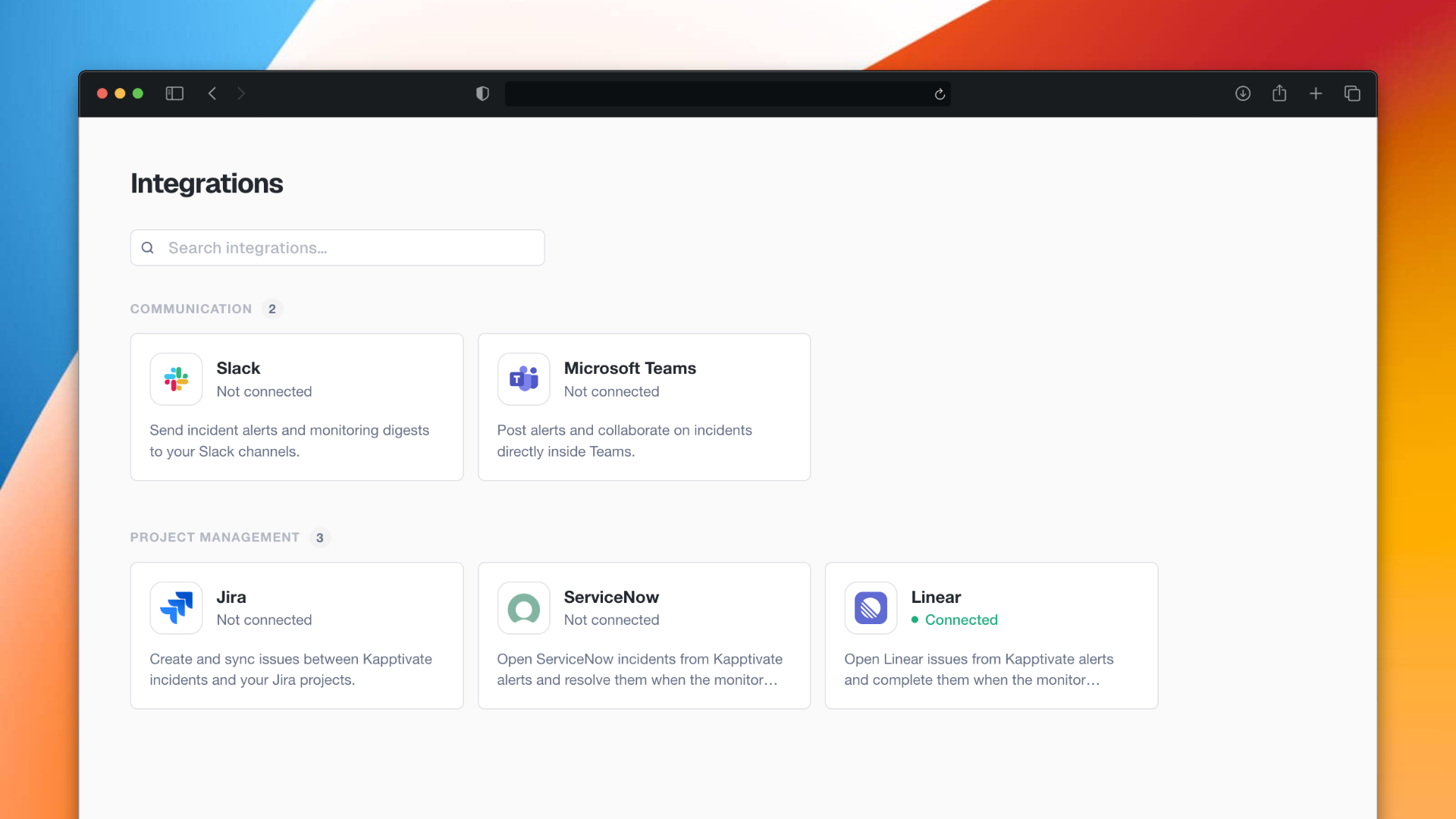
Two more destinations for your alerts: a Kapptivate incident can now open a ticket in ServiceNow or an issue in Linear, next to Slack, Teams and Jira. The test editor gains multi step selection, copy and paste between tests and a real save shortcut.
🔌 New: ServiceNow and Linear in the Integration Center
Two new connectors. An alert, warning or critical, and a robot disconnected notification can now open a ticket in ServiceNow or an issue in Linear, alongside Slack, Teams and Jira. Connect the tool once per workspace in Administration → Integrations, then pick it on your alerts.
⌨️ New: keyboard shortcuts in the test editor
Select several steps at once. Shift and click selects a contiguous range, Cmd or Ctrl and click adds or removes a single step from the selection.
Copy and paste steps, with Cmd or Ctrl plus C and V. The paste lands under the selected step, works on a multiple selection, and works from one test to another.
Delete keeps your place. After deleting, the step below is selected, or the one above when you deleted the last one.
Cmd or Ctrl plus S saves the test, without the browser's own save dialog getting in the way.
No shortcut fires while your focus is inside a field, so typing in a name, a selector or a value stays safe.
✨ Other improvements
Steps are numbered in execution results, with the same numbers as in the editor, so a failure can be named out loud and found on both sides
A button indents the JSON body of an API Call step, instead of one unreadable line
The What's new modal follows the language you chose, so the French release notes no longer open in English
"Operator" becomes "workspace" on the last screens where the old word survived
The whole selection column of a table toggles the checkbox, instead of the small square alone
A step acting inside an iframe now waits up to 10 seconds for it, instead of 2, so a payment form that loads late no longer fails the step
The BrowserStack provider is hidden for workspaces that do not have the option
🐛 Fixes
Tests and recorder
Starting the v2 smartphone recorder no longer starts the v1 recorder in another tab and records twice
The Get XML button of the Live session opens Find an element, like the recorder, instead of the old XML viewer
The App source artifact of an execution result is no longer empty
Copying from a step and pasting into the phone no longer leaves the focus behind
The output variable of a Get sms code step can be renamed, and its placeholder is readable again
Element descriptions containing line breaks no longer break their row
Executions
Opening an execution directly by its URL no longer shows an error page on the first load
The Screenshots tab no longer shows an empty tile for steps that have none
The Export split button gets its separator back
Monitors and campaigns
A monitor's start time can be set again
Monitor names are readable on workspaces with long names
Campaign monitors get their correct layout, their test count tag and their run mode selector back
Alerts
An alert now opens an incident for tests whose name contains a + or an apostrophe
An alert created before the Integration Center switches to the connector when you pick a channel, instead of keeping its old webhook
Custom step library
Steps linked to a library script stay linked after a run, instead of turning back into plain custom steps
Realtime
The status tag appears on every card, not only on some of them
Agents and devices
A new iPhone or iPad no longer stays stuck in Configuration
Live sessions and v2 web tests honour the DNS of the custom capabilities again
The automatic reboot of a robot happens at the configured hour
A SIM in 5G standalone is seen as registered, and a VoLTE call is no longer dialled before the modem is ready
Five defects fixed on the Agents page: SIM badge, empty state, default tab, a translation and the Status filter
Visual assertion
A visual assertion reached more than ten minutes into a test no longer fails on an expired token, and says what happened when it does
A response the service cannot read is reported as a technical error instead of becoming a negative verdict
A deployment no longer cuts a check in flight
Elsewhere
The date picker of the Excel report is no longer hidden behind the page
A series of UI corrections: breadcrumb, time picker, selects of API steps, alignment of the Live session history filters, disabled danger buttons and device modal spacing