March 10th, 2026
Error exclusions, public dashboards & a cleaner navigation ✨
This release brings powerful new ways to reduce noise and share insights, plus a major reorganization of how you access agents and devices. Less clutter, more control.
🔕 New: Error Exclusions for Alerts
Not every error deserves to wake someone up at 3am.
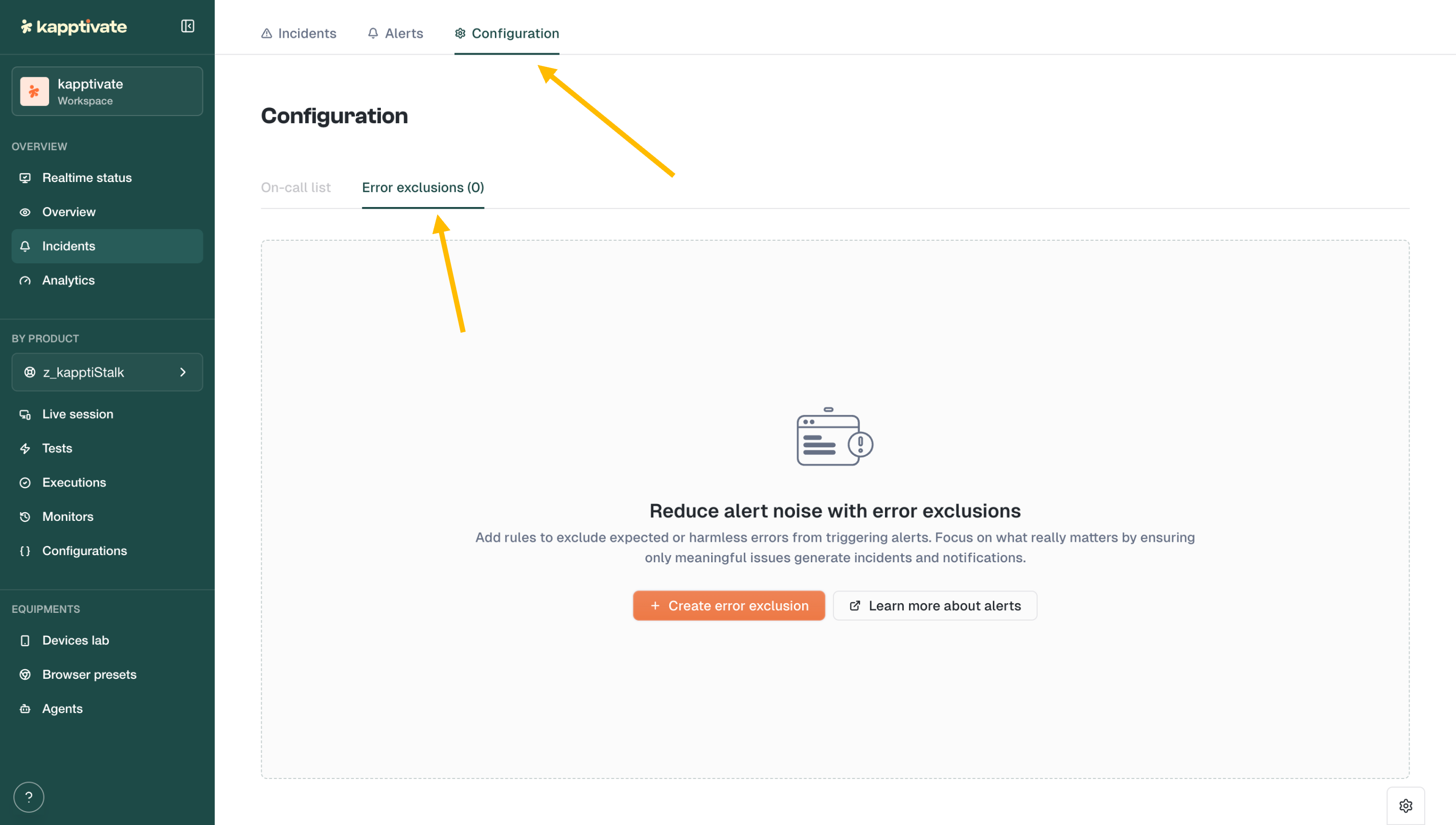
The new Error Exclusions feature lets you define patterns to filter out expected or harmless errors from triggering alerts. Find it under Incidents → Configuration → Error exclusions.
Create rules based on error patterns (e.g., "robot unreachable" during planned maintenance) and focus your alerts on what actually matters.
🔗 New: Public Dashboard Sharing
Need to share a dashboard with someone outside your workspace? Now you can.
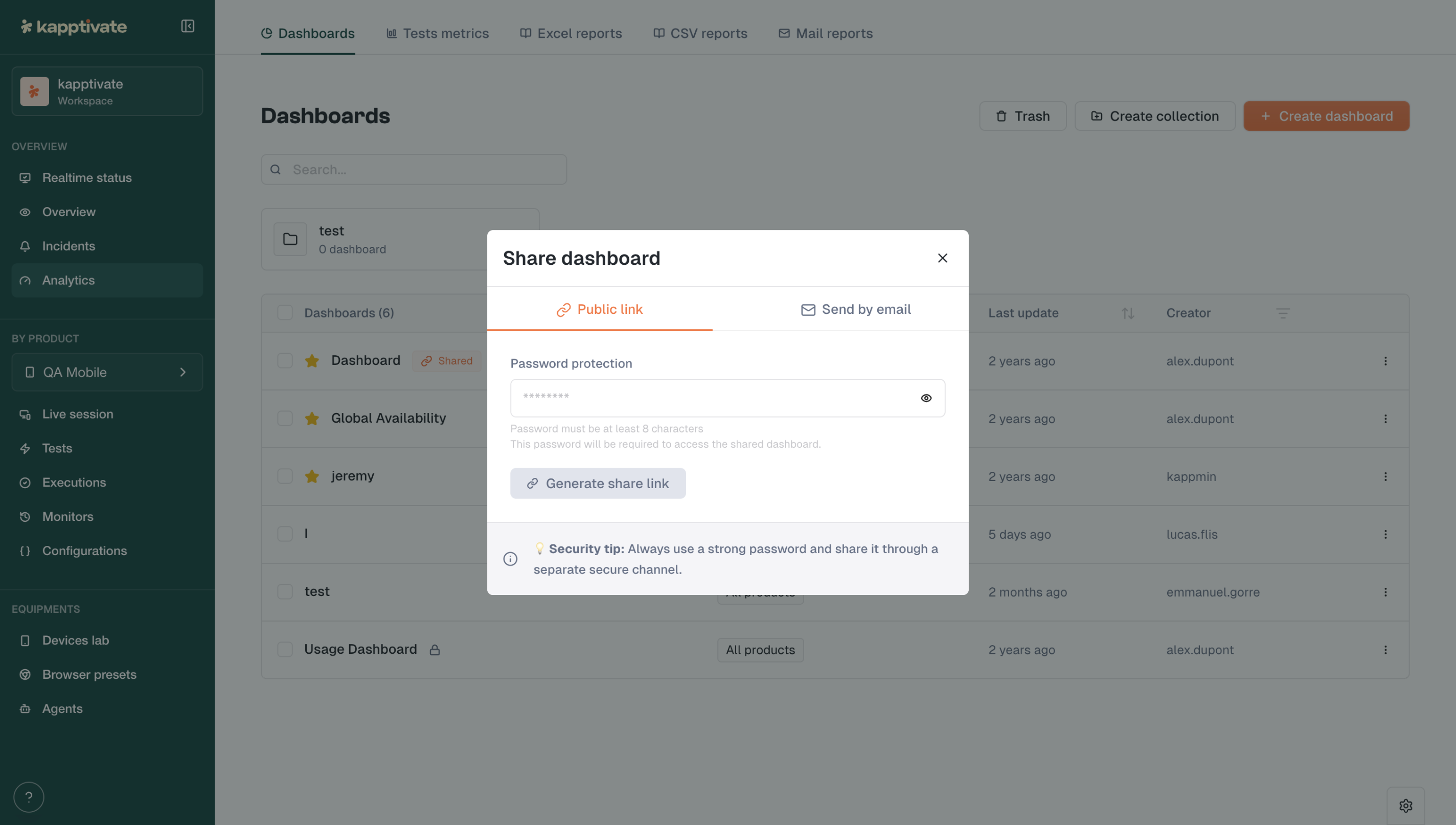
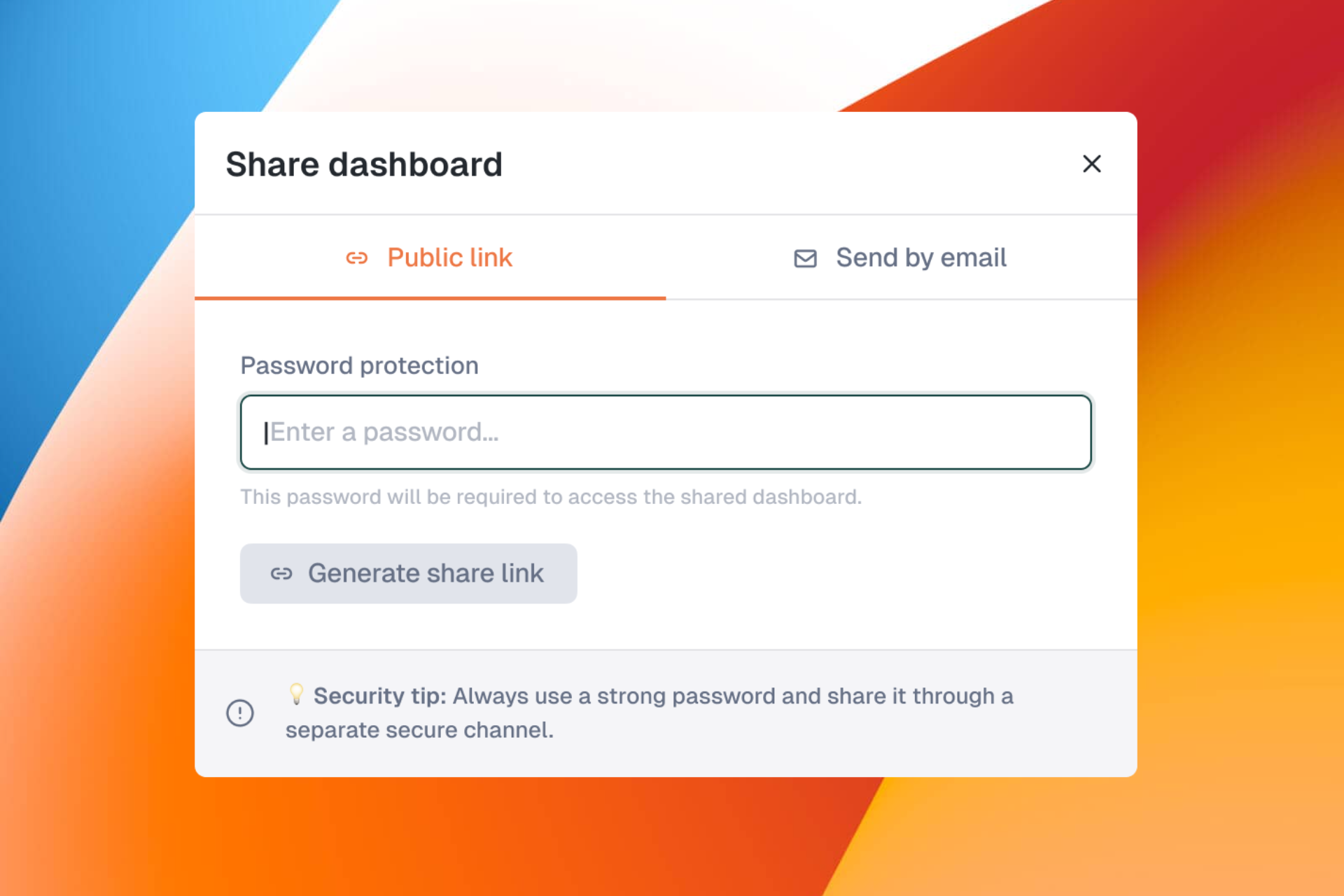
Generate a password-protected public link for any dashboard. Recipients can view the dashboard without needing a Kapptivate account.
Password protection required (minimum 8 characters)
Share via link or email
Revoke access anytime
Perfect for sharing status pages with clients or stakeholders.
🏠 Redesigned: Agents & Devices in Main Navigation
We've moved Devices lab, Browser presets, and Agents out of the admin panel and into the main sidebar under Equipments.
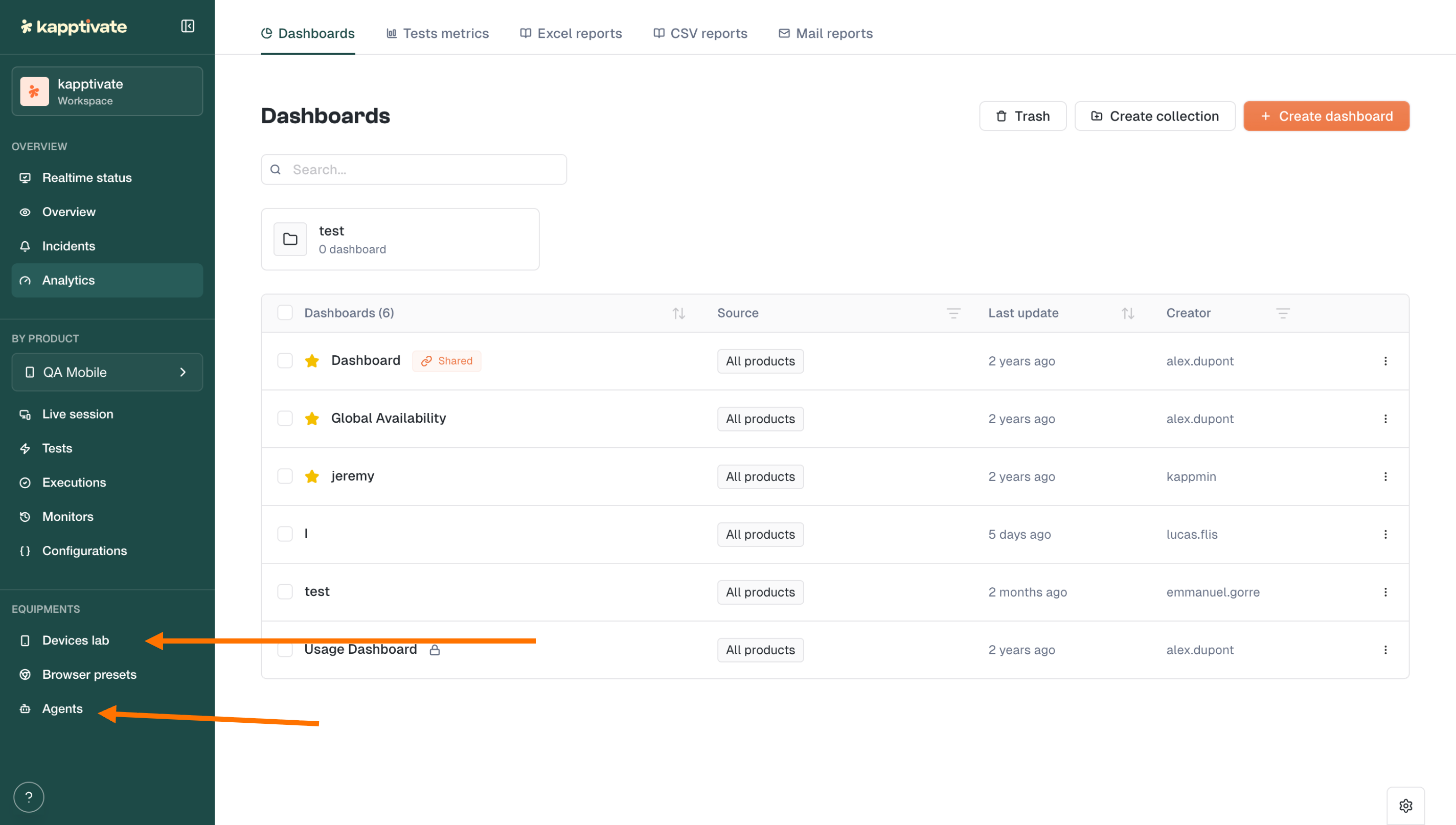
What this means:
All users can now see and browse agents, smartphones, and devices
Actions are permission-based: only users with the right roles can perform maintenance, reboot, or configuration changes
Cleaner separation between viewing and managing
No more hunting through admin menus to check device status.
⚙️ Redesigned: Settings & Account Management
We've reorganized the Settings panel for clarity:
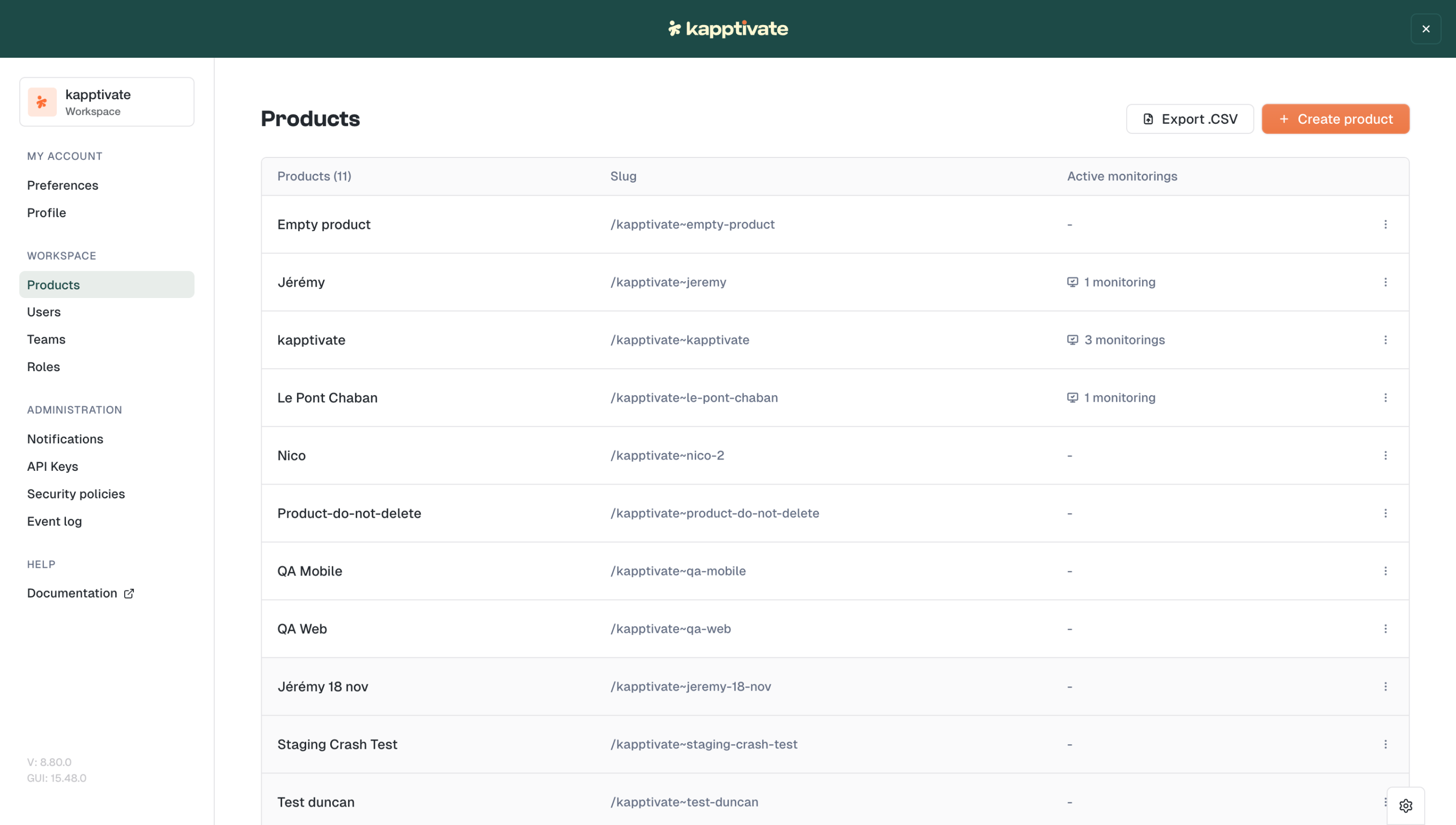
My Account: Profile & Preferences in one place
Workspace: Products, Users, Teams, Roles
Administration: Notifications, API Keys, Security policies, Event log
A simpler structure that's ready for future enhancements.
✨ Improvements
Smoother test creation: Improvements to both smartphone and web test creation flows
Custom capabilities restored: Custom browser capabilities are accessible to all users again (sorry for the temporary restriction!)
Another step toward a cleaner, more intuitive Kapptivate.
Let us know what you think! 💬